Most families have screen-time rules. Far fewer families have screen-time rules that everyone remembers the same way. "You said twenty minutes." "No, you said after homework, not a set time." Sound familiar? The rule existed, but only in conversation, which means it was really just a vibe — and vibes are easy to renegotiate in the moment, especially when a child is mid-video and not inclined to agree with you.
A family media agreement fixes that not by adding more rules, but by making the existing ones visible, specific, and shared. It's less a legal document and more a reference point everyone helped write and everyone can see. Here's how to build one that your family will actually use.
Why writing it down changes the conversation
When a rule only lives in memory, every enforcement moment becomes a negotiation about what was actually agreed to. A written agreement moves the disagreement from "what did we say?" to "is this what we wrote?" — a much calmer, much shorter conversation.
The American Academy of Pediatrics has promoted exactly this approach through its Family Media Plan tool on HealthyChildren.org, an interactive tool (first launched in 2016 and kept up to date since) that lets parents and kids build a personalized plan together, print it, and post it somewhere visible. A December 2024 article in Pediatrics describing the updated plan frames it the same way: media guidance works best when it's concrete and built with the family, not handed down as a list of bans.
That collaborative part matters as much as the writing. A rule a child helped draft is a rule they understand the reasoning behind — and reasoning survives disagreements better than a flat "because I said so."
What actually belongs in the agreement
Keep it short. A one-page agreement gets read and referenced; a five-page policy gets ignored. The AAP's guidance centers on a few practical categories, and most families find these cover what matters most:
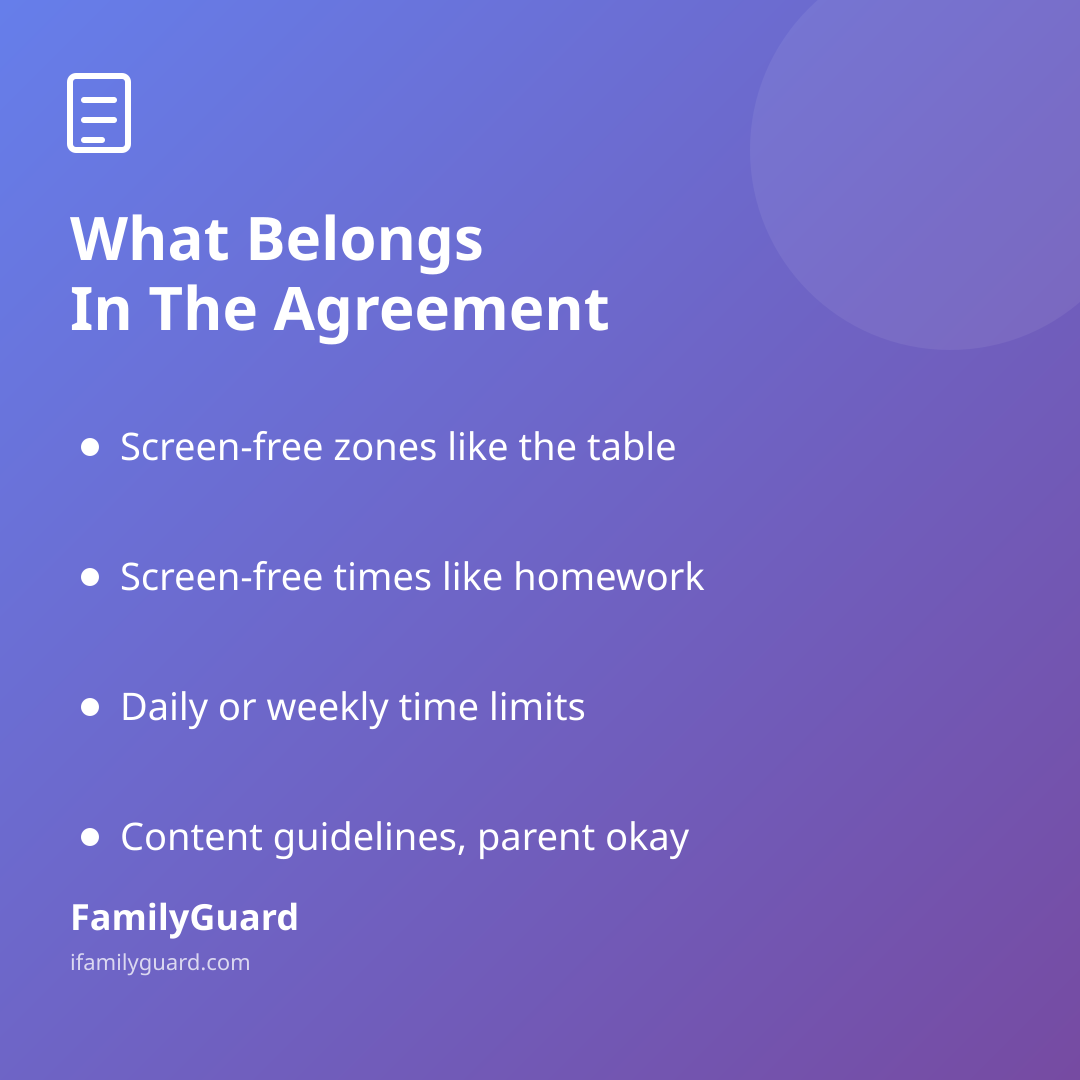
- Screen-free zones: places where devices stay away, like the dinner table or bedrooms at night.
- Screen-free times: windows where media takes a back seat, such as during homework or the hour before bed.
- Daily or weekly limits: a rough amount of recreational screen time that fits your child's age and your family's routine, not a number borrowed from another household.
- Content guidelines: what's okay to watch or play, and what needs a parent's okay first.
- What happens with new apps or accounts: a simple step like "we look at it together before you download it."
- How check-ins work: whether that means a quick look at what's being watched, or just an open "ask me anything" policy.
Notice that none of this is about banning technology. It's about naming, in advance and together, when and where it fits into the day — so nobody has to decide it on the fly, mid-argument.
Make it a conversation, not a memo
The agreement works better when kids help write it, even young ones. Ask what feels fair to them, where they'd put the screen-free line, and why certain shows or games matter to them. You'll likely end up with better rules than you'd have written alone — kids often know their own trouble spots better than parents expect, and naming a rule themselves makes it easier to follow.
It also helps to revisit the agreement on a schedule rather than only after something goes wrong. A new school year, a new device, or simply a birthday are natural moments to sit down and ask: does this still fit? What's changed? That rhythm keeps the agreement feeling current instead of like an old rulebook nobody updated.
A rule a child helped write is a rule they understand — and understanding tends to outlast a simple ban.
Where location and connection fit in
Many family media agreements also cover how the family stays in touch, not just how screens get used. That might mean agreeing on when location sharing is on, what a missed check-in means, or how to reach each other if plans change. Some families fold this into the same document their screen-time rules live in — one page, co-written, covering both "how we use devices" and "how we stay connected."
If your family already uses an app like FamilyGuard for real-time location sharing or check-ins, it's worth naming that explicitly in the agreement too: who shares with whom, for how long, and why. Writing it down alongside the screen-time rules reinforces the same idea running through the whole plan — this is a shared, transparent arrangement the whole family agreed to, not something imposed on one person by another.
Keep it visible, keep it kind
Print it, stick it on the fridge, or save it somewhere everyone can pull up. The point isn't to turn the kitchen into a courtroom — it's to have a calm, low-drama reference for the moments when memory gets fuzzy or feelings run high. When a rule needs enforcing, you can point to the page instead of relitigating the whole thing from scratch.
And when the agreement stops fitting — because a child got older, or a new app showed up, or the old limit just doesn't make sense anymore — update it together. A good family media agreement isn't a fixed contract; it's a living document that grows up alongside your kids.