You're standing in the app store, thumb hovering over "Download," and there it is in small print: 12+. Or maybe it's a game box with a blocky "T for Teen" logo in the corner. It feels like a clear answer. But age ratings were never designed to tell you everything you need to know — and understanding what they actually measure can make you a much more confident judge of what's right for your own child.
What age ratings are really measuring
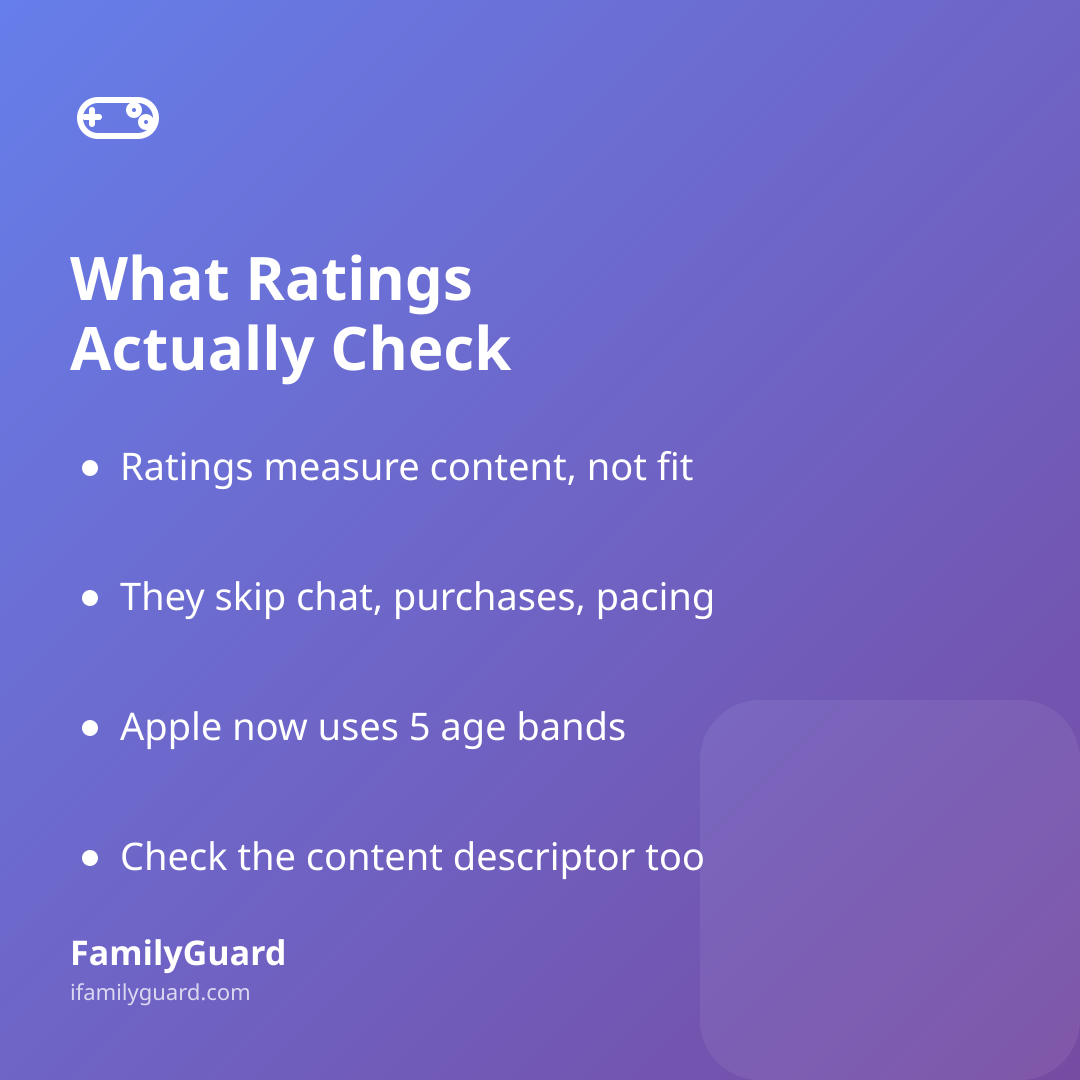
Most parents assume a rating reflects how appropriate something is overall — difficulty, addictiveness, how much time a kid might sink into it, whether it's a good fit developmentally. In reality, the major rating systems are almost entirely about content: violence, language, suggestive themes, gambling simulations, substance references. They say very little about pacing, in-app purchases, chat features with strangers, or how a game's design might hook attention.
That's not a flaw exactly — it's just a narrower job than the label implies. Knowing that helps you use the rating for what it's good at, and ask your own questions about the rest.
Decoding the three systems you'll actually see
Depending on where you're shopping, you'll run into a few different labeling systems. They overlap but aren't identical:
- ESRB (video games, US/Canada): Categories range from EC (Early Childhood) up through E, E10+, T (Teen), M (Mature, 17+), and AO (Adults Only, 18+). Each rating also comes with "content descriptors" — short notes like "Fantasy Violence" or "Simulated Gambling" that explain why it got that rating, according to the Entertainment Software Rating Board.
- Apple App Store: Apple overhauled its age-rating system in 2025, according to Apple's developer documentation, retiring the old four-tier setup of 4+, 9+, 12+, and 17+ in favor of a more granular 4+, 9+, 13+, 16+, and 18+. Developers were required to update their apps' ratings under the new system by January 31, 2026, so most listings you see now reflect the finer-grained bands.
- Google Play: Android apps use the International Age Rating Coalition (IARC) system, where developers answer a content questionnaire and the rating is generated automatically for your region — so you might see ESRB-style labels or country-specific ones depending on where you live, per Google Play's help documentation.
None of these systems talk to each other perfectly, which is part of why the same game can carry different-looking labels across platforms.
Why a rating is a starting point, not a verdict
Independent reviewers like Common Sense Media exist partly because official ratings answer a narrower question than most families are actually asking. Common Sense Media rates media using developmental research and tends to skew more conservative — their recommended age might sit a year or two above the official rating, because they're factoring in things like emotional intensity or themes that a content checklist doesn't capture well.
Neither number is "more correct." They're measuring slightly different things. The official rating tells you what content is inside. A review site's age suggestion tells you how a typical child that age might handle it emotionally. Your own read on your specific kid — their sensitivity, their maturity, what they've handled well before — still matters more than either.
Turning a rating into a conversation
The most useful thing a rating can do isn't settle the question for you — it's give you and your child a shared starting point to talk from. A few ways to make that stick:
- Read the descriptor, not just the letter. "T for Teen — Violence, Language" tells you far more than "T" alone. Spend the extra ten seconds.
- Ask what the rating doesn't cover. Does it have open chat with strangers? Loot boxes or purchases? A quick search for "[game name] parents guide" usually surfaces this fast.
- Let your child make the case. Asking "why do you want this one?" and "what happens in it?" builds the habit of thinking critically about media, not just asking permission.
- Revisit ratings as they grow. A game that felt too intense at 10 might be perfectly fine at 12. Ratings are static; your kid isn't.
Some families find it helps to make this part of an ongoing habit rather than a one-off negotiation — a running family chat where new app or game requests get discussed together before anything gets downloaded works better than a rule that only comes up after the fact. That's one small reason families using something like FamilyGuard often fold these conversations into the same shared space they already use for everyday check-ins, rather than treating it as a separate "tech talk."
The bottom line
Age ratings are a genuinely useful shortcut — they just answer a smaller question than the one most parents bring to them. Read the fine print, treat the number as a conversation starter rather than a final word, and trust what you know about your own child over any label on a screen. That combination will serve your family far better than chasing a "perfect" system that doesn't quite exist.