Some of the most useful safety tools in a family aren't apps or gadgets — they're a handful of words everyone agrees on in advance. A family code word is exactly that: a simple, private signal that means "something's not right, please help," without a child having to explain why in front of the wrong audience. It works for a six-year-old deciding whether to get in a car, and it works for a sixteen-year-old who wants out of a party without losing face.
What a Family Code Word Actually Does
The idea is small on purpose. A code word isn't a password for a device or an app — it's a word, phrase, or even a strange little question that only your family knows, and that means something very specific: "come get me, no questions yet."
The National Center for Missing & Exploited Children (NCMEC) teaches a related idea through its KidSmartz program, built around a rule called "Check First": children are taught to check first with a parent, guardian, or other trusted adult before going anywhere, accepting anything, or getting into a car with anyone — even someone they know — and to say so firmly if pressured. A code word builds on that same instinct by giving a quick, low-drama way to confirm that a last-minute pickup or plan change is genuinely approved. NCMEC's 2018 analysis of attempted abduction trends also found that among children who escaped an attempted abduction, 83% did something proactive — yelling, running, kicking, or pulling away — rather than staying quiet and polite. A code word supports that same proactive instinct: it gives kids permission to act rather than wait and wonder.
Three Moments When a Code Word Helps
Families tend to reach for a code word in a few recurring situations:
- Unplanned pickups. If someone other than you needs to collect your child — a neighbor, a coworker, an aunt your child doesn't see often — that person knows the code word, and your child is taught never to go with anyone who doesn't know it, even if the name matches what you said on the phone.
- The "come get me" text. Older kids and teens can text or say the code word when a party, a ride, or a hangout turns uncomfortable, and they don't want to explain themselves in front of friends. One word, slipped into an otherwise normal-sounding message, is the signal.
- In-the-moment discomfort. If a child is at a friend's house, with a sitter, or anywhere a parent isn't present, the code word used in a sentence over the phone can mean "I need you to come now," without alarming whoever's listening.
Choosing a Word That Works
A good code word is forgettable to everyone except your family. A few practical guidelines:
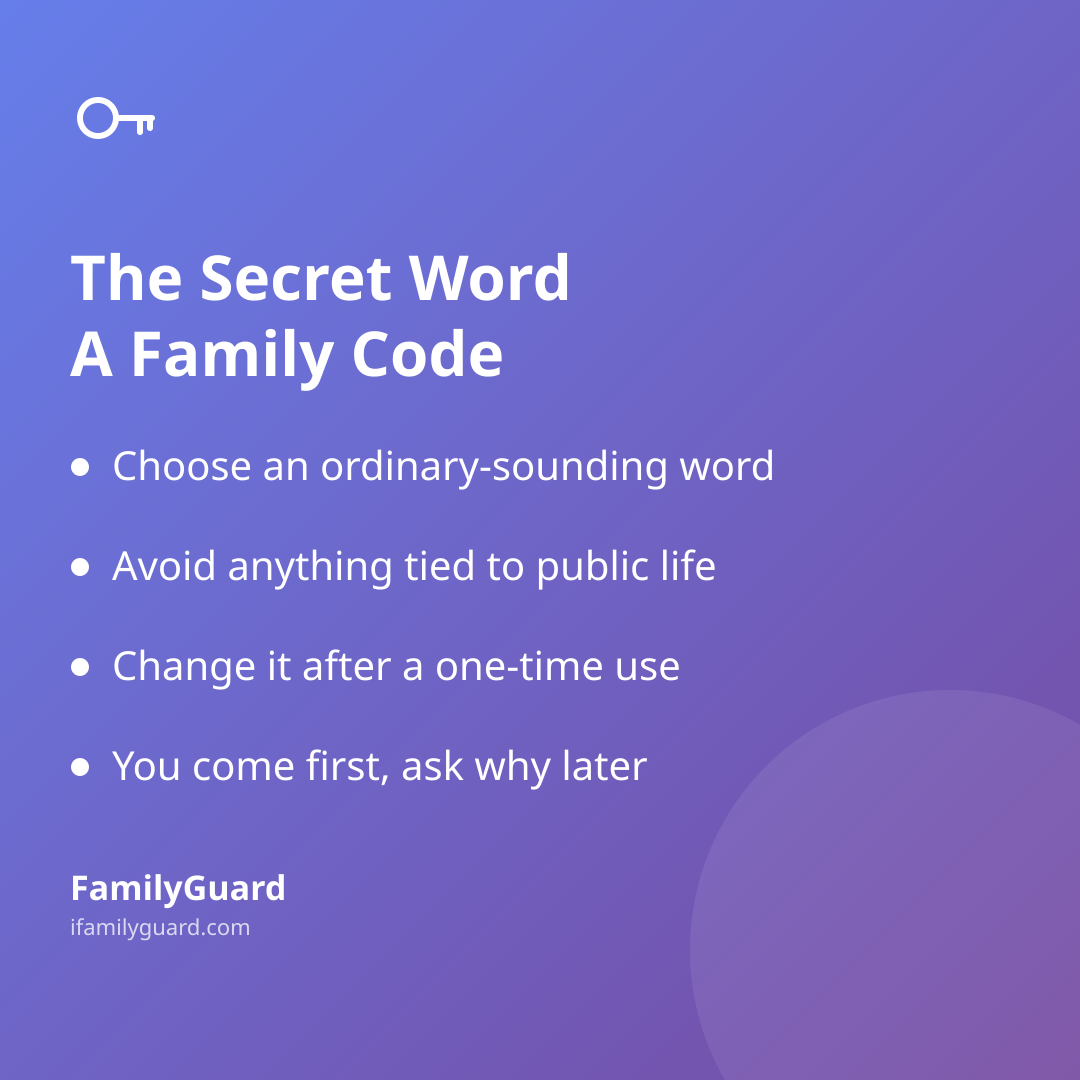
- Pick something ordinary-sounding — a fruit, an animal, a street name, a board game. It shouldn't sound dramatic or like a line from a movie.
- Avoid anything tied to your family's public life: not a pet's name from social media, not a street you've tagged in photos, not a nickname everyone already uses.
- Keep it short enough for a young child to remember months from now, and easy enough to slip into a normal sentence for an older kid who needs it to sound casual.
- Treat it as "one-time use" whenever you share it outside the immediate family — if a babysitter or relative needs it for a single pickup, change it afterward.
Talking It Through, Not Just Handing It Over
The code word only works if kids understand what it's for and trust how you'll react. That means a calm conversation — not a scary one. Explain that this isn't about distrust of their friends or judgment of their choices; it's a tool they get to use whenever something feels off, for any reason, no explanation required in the moment.
It helps to practice out loud a couple of times, the way you'd rehearse a fire drill. Ask younger kids to practice the "check first" habit in a firm voice. With teens, you might brainstorm the actual wording together — a word they'd feel comfortable texting, not one that feels babyish or embarrassing to use.
Keeping Your Half of the Deal
The code word is really a promise: when it's used, you come, and the conversation about why happens later, calmly. If a child senses they'll be grilled or punished the moment they use it, they'll stop using it — and that defeats the entire point.
This is also where the practical side of family safety can back up the promise you've made. If your family already shares locations with each other — something tools like FamilyGuard are built around, with everyone's consent and visibility into who can see what — a code word pairs naturally with that setup. A child can trigger the signal, and a parent already knows roughly where to head, or can send a one-tap alert to the rest of the family so everyone's on the same page about getting there fast. The code word starts the request; the rest of your family's routine gets you there.
A Small Habit With a Long Reach
A family code word doesn't need to be fancy, and it doesn't need to be used often to be worth having. Most families set one up, practice it once or twice, and then rarely think about it again — until the one evening it matters. Having it ready, understood, and backed by a no-questions-first response is what makes it work when it counts.