Most conversations about location sharing start and end with family: parents wanting to know a child arrived at school, or a teen wanting a ride home to know they're on the way. But at some point, usually around middle school or early high school, a different request shows up. "Can I turn on my location for the group chat?" "Everyone on Snap Map does it." Suddenly the question isn't just about you and your child anymore — it's about your child and a rotating cast of classmates, teammates, and friends-of-friends.
This is worth pausing on, because sharing location with friends is a genuinely different situation from sharing it with family, even though the technology can look similar. Here's how to think it through together, calmly and without shutting the conversation down.
Why Friend Sharing Isn't the Same as Family Sharing
Within a family, location sharing usually works because it's mutual, well understood, and limited to people who have known your child their whole life. Everyone knows why the sharing exists, everyone can see who else is on the list, and it's easy to have a conversation if something feels off.
Friend groups don't offer the same guarantees. A "friend" on a location app might be a close friend, a classmate met once, or someone added because it felt awkward to say no. Group memberships shift constantly, and a teen may not remember everyone who can still see their movements weeks or months later. None of this means friend sharing is inherently bad — plenty of teens use it safely to coordinate meetups or feel connected to their social circle. It just means the trust and oversight that make family sharing feel comfortable don't automatically carry over.
What Actually Makes It Riskier
A few practical differences are worth naming with your child, not as scare tactics, but as reasons for a bit of extra care:
- Default visibility. Some friend-mapping features are more visible by default than most family apps, which typically require an explicit mutual invite for each person.
- Growing friend lists. A list that starts with five close friends can quietly grow to fifty "friends" over a year, especially in group chats where anyone can add anyone.
- No easy way to check in on context. If a parent sees an unfamiliar name on a shared family list, they can ask about it directly. Teens are less likely to police their own friend lists the same way.
- Public posts can widen the circle further. Location sharing that's meant for friends can end up visible more broadly if account privacy settings aren't locked down.
According to Common Sense Media (2021), location apps can be genuinely useful for teens finding each other at events, but they work best when paired with strict privacy settings and a habit of periodically reviewing who's actually on the list.
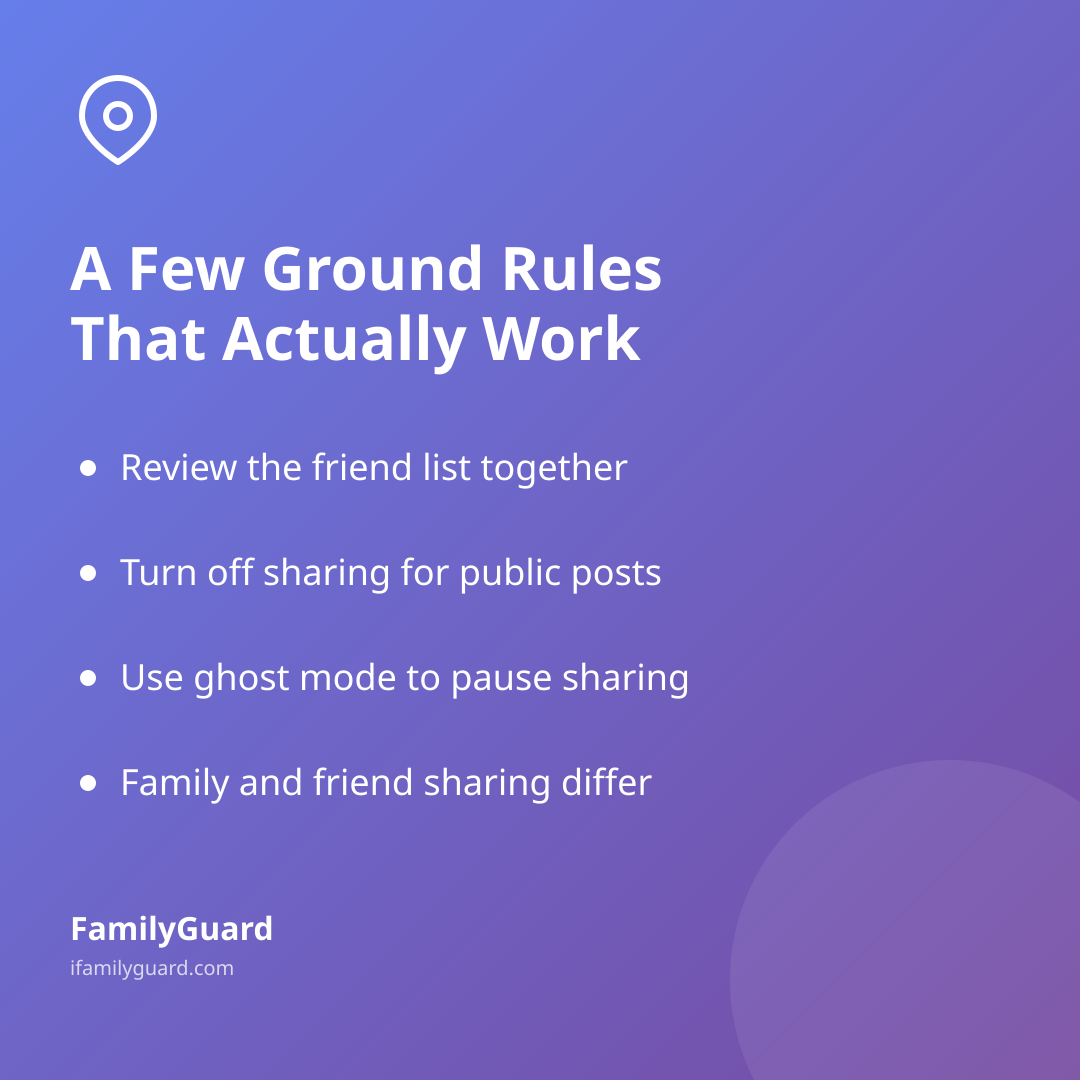
A Few Ground Rules That Actually Work
You don't need a strict ban to keep this reasonable — most families do better with a short, clear set of expectations that a teen can actually live with:
- Review the friend list together, occasionally. Not as a spot-check, but as a five-minute habit: "Who's still on here? Anyone you don't talk to anymore?"
- Keep it to people they'd want to run into. A simple test: would they be fine with this person knowing where they are right now, unannounced?
- Turn it off for public posts. Friend-map sharing and public location tagging are different settings — it's worth checking both.
- Use "ghost mode" or pause features when it makes sense. Most apps let users go invisible temporarily without leaving the friend group, which is a good middle ground during trips, sleepovers, or just a night they'd rather not be tracked.
- Agree that family sharing and friend sharing are separate conversations. One doesn't replace the other, and turning off friend sharing shouldn't feel like a punishment.
Where This Overlaps With Family Sharing
It helps to be explicit with your child about the difference: sharing location within the family, through something like FamilyGuard, is consent-based and limited to people who already know and trust each other — it exists so everyone can coordinate and feel connected, with nothing hidden from the child about who can see what. Friend sharing is a separate decision your child is largely making for themselves, and your role shifts from "the person who sets it up" to "the person who helps them think it through."
That framing matters. Research from Pew Research Center (2020) found that about a third of parents of children ages 5–11 use GPS tracking, rising to 41% among parents of 9- to 11-year-olds — a sign that location sharing is already a normal, established part of many families' routines well before kids start managing their own friend-group settings. Kids who've grown up with transparent, consent-based sharing at home tend to have an easier time applying the same judgment when a friend asks to add them to a map.
Keeping the Door Open
The most useful thing you can do isn't a single rule — it's making sure your child feels comfortable telling you when something about a location app feels weird. That might be a stranger who somehow got added to a group, a friend who reacts oddly to being asked "why do you need to know where I am," or just a nagging sense that a list has grown too big to keep track of.
Treat these as normal check-ins, the same way you'd ask about a new friend group or a new app in general. A quick, judgment-free "how's that working out — anyone weird on there?" every so often does more than any one-time lecture.
A Calm Takeaway
Friend-to-friend location sharing isn't something to panic about, but it deserves its own conversation, separate from how your family shares location with each other. The goal is the same one that guides family sharing: transparency, mutual consent, and the ability to speak up when something doesn't feel right. Helping your child build that habit now — reviewing lists, understanding privacy settings, knowing it's fine to opt out — is a skill that will serve them well past whichever app happens to be popular this year.