Most families know the small, low-grade worry that comes with a normal weekday: Did she get to school okay? Is he home from practice yet? The usual fix is a text — "here yet?" — which works, but it also asks your child to stop what they're doing and respond. Smart zones solve a narrower, friendlier version of that problem. They are a quiet way to know someone arrived or left a place, without anyone having to type a word.
What a Smart Zone Actually Is
A smart zone, sometimes called a geofence, is simply a circle you draw around a place on a map — home, school, grandma's house, the soccer field. When a family member's phone crosses into or out of that circle, the people they've chosen to share with get a gentle notification: "Arrived at School" or "Left Home." That's it. No GPS coordinates to decode, no live tracking required — just a quiet confirmation at the moments that actually matter.
It's worth being clear about what this is and isn't. A smart zone is not constant surveillance of where someone is at every second. It's a small set of agreed-upon checkpoints that save everyone from the "are you there yet?" text. Used well, it's less about watching and more about replacing a chore — the mental tally of pickups, drop-offs, and arrivals — with something automatic.
Where Smart Zones Actually Help
The best smart zones solve a specific, recurring moment of uncertainty in your family's week. A few common ones:
- School arrival: An alert when your child's phone enters the school zone in the morning, so you know the bus or walk went smoothly.
- Leaving home: Useful for teens who drive themselves, or for an older child walking to a friend's house.
- After-school activities: A zone around the practice field, dance studio, or library lets you track the shape of a routine without needing a text at every stop.
- A grandparent's house or regular carpool stop: Handy on days when a child is shuttled between caregivers.
- Home, in the evening: One notification that quietly closes the loop on the day.
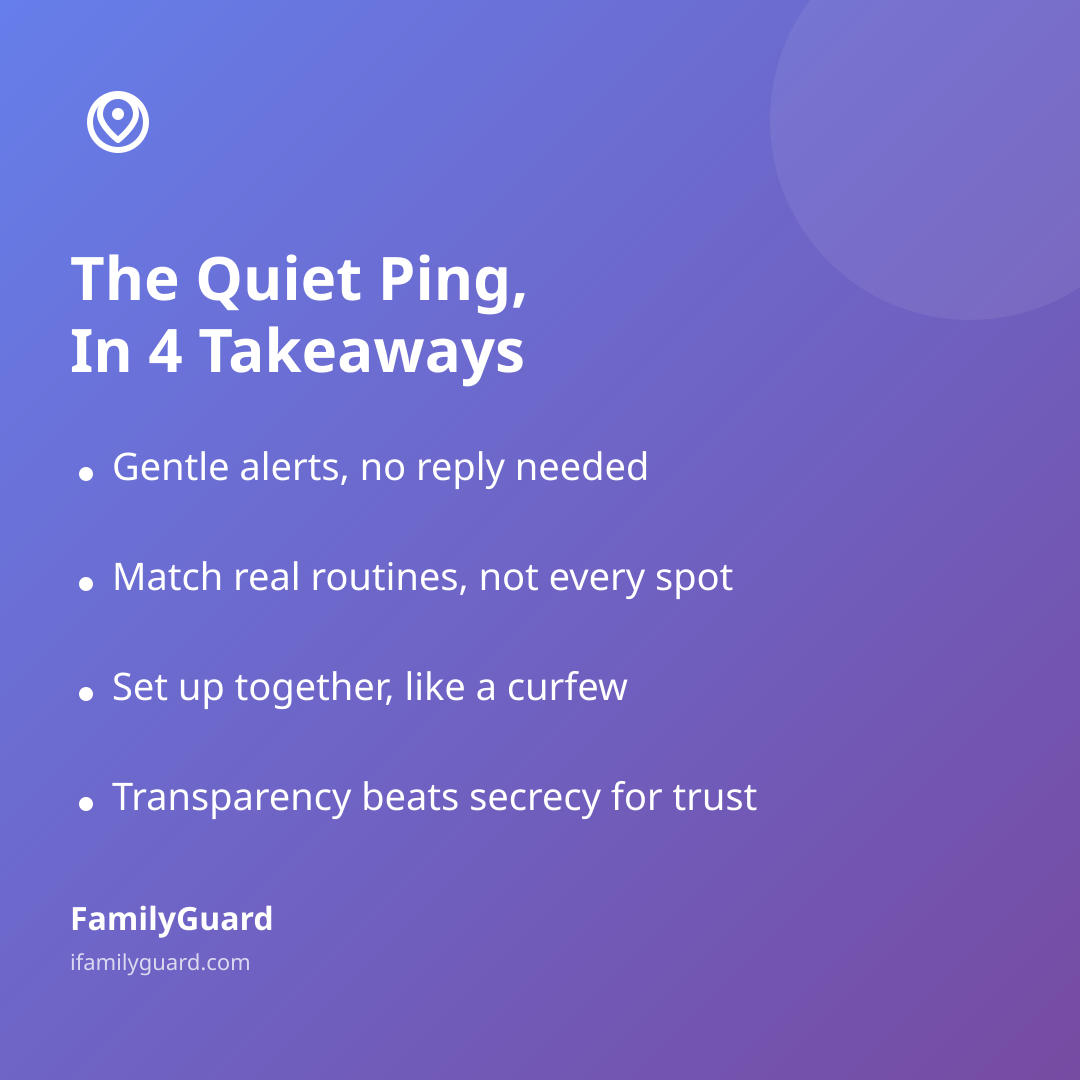
Notice what these have in common: they're all places your family already goes, for reasons everyone already understands. A smart zone works best when it matches a real routine, not when it's layered onto every possible location "just in case." A map cluttered with a dozen zones is harder to maintain and easier to ignore.
Setting Them Up as a Conversation, Not a Surprise
Smart zones work best when they're set up together, the same way you'd agree on a curfew or a chore. A few things worth deciding as a family before you start drawing circles on a map:
- Which places matter. Ask your child where they'd actually find this useful — some teens like the school-arrival alert because it means fewer "did you get there" texts for both sides.
- Who gets notified. In a two-parent or multi-caregiver household, decide whether both parents see every alert or whether it only matters for whoever's on pickup duty that day.
- What happens with the notification. An arrival alert that nobody looks at isn't helping. Decide whether it's informational only, or whether a missed arrival within a reasonable window prompts a quick check-in call.
This is the same principle that should guide any family location feature: transparency works better than secrecy, for trust and for follow-through. Apps like FamilyGuard are built around that idea — zones and alerts are visible to everyone in the family circle, set up together rather than imposed, and nothing is shared outside the family. When a teen understands why a zone exists and had a say in setting it up, the quiet ping feels like a convenience, not a leash.
Keeping the Alerts Useful, Not Noisy
A notification system that pings too often eventually gets ignored — the same way a smoke detector that beeps at everything gets its battery pulled. A few habits keep smart zones doing their job:
- Size the circle sensibly. Too small, and the alert fires late or not at all depending on GPS accuracy; too large, and it triggers before anyone's actually there. A radius that roughly matches the property or block is usually right.
- Revisit zones as routines change. The zone for an old after-school program isn't useful once your child switches activities. A quick seasonal check — new school year, new sports season — keeps the map relevant.
- Don't over-zone. A handful of meaningful places beats a map covered in circles. If a zone isn't answering a real question anymore, delete it.
It also helps to remember that location accuracy depends on things like phone settings and battery optimization, so an occasional late or missed alert is a technical quirk, not a red flag. Treat a missed notification as a prompt to check in by text first, not as a crisis.
A Light Touch, Even as Kids Grow
Interestingly, research on how families actually use location and monitoring tools suggests most parents lean lighter than people assume. Pew Research Center's 2016 survey found that only 16% of parents reported using monitoring tools on their teen's cellphone to track their location — far fewer than the number who simply talk with their teens about online behavior or check in directly. That tracks with what most families eventually discover: a small, agreed-upon set of arrival alerts tends to feel more sustainable — and trustworthy — than trying to monitor everything, everywhere.
As kids get older, the right move isn't necessarily to add more zones — it's often to simplify. A ten-year-old might need a school and home zone. A sixteen-year-old with their own car might only want the "arrived safely" alert for long drives, dropping everything else. Let the zones shrink as independence grows, and let your child weigh in on which ones still earn their place on the map.
The Quiet Reassurance
The appeal of a smart zone isn't that it tells you everything — it's that it tells you just enough, at just the right moment, without anyone having to ask. A short notification that someone got where they were going lets the rest of the day go on as normal, for both the person checking their phone and the person who didn't have to stop and answer it. Set up thoughtfully and together, that's less a safety feature than a small, welcome bit of peace of mind.