Your child puts on a headset, and suddenly there are voices coming through it that you don't recognize. A teammate calling out directions in Fortnite. A group of kids laughing together while building something in Roblox. For a lot of families, this is the moment online gaming stops being a solo activity on a screen and starts feeling like a conversation you can't quite follow.
It's a reasonable thing to pause on. Voice chat is genuinely different from typing in a game's text box — it's live, it's personal, and it often includes people your child has never met in person. The good news is that this doesn't call for panic or a flat ban. It calls for understanding how the settings actually work and having a few honest conversations.
Why Voice Chat Feels Different From Other Screen Time
Most games kids play today are social by design. According to Pew Research Center (2024), 85% of U.S. teens play video games, and nearly half of teen gamers — 47% — say they've made a friend online specifically through playing. For many kids, a headset isn't an accessory — it's how they hang out with both real-life friends and new teammates at the same time.
That mix is exactly why voice chat deserves a closer look than, say, a single-player puzzle game. It's not that talking to other players is inherently dangerous. It's that your child may not always know — or think to ask — who is actually on the other end of that voice.
What the Games Themselves Already Let You Control
Before adding anything new, it's worth knowing that the platforms your child already plays have built real guardrails into their systems. A few examples worth checking this week:
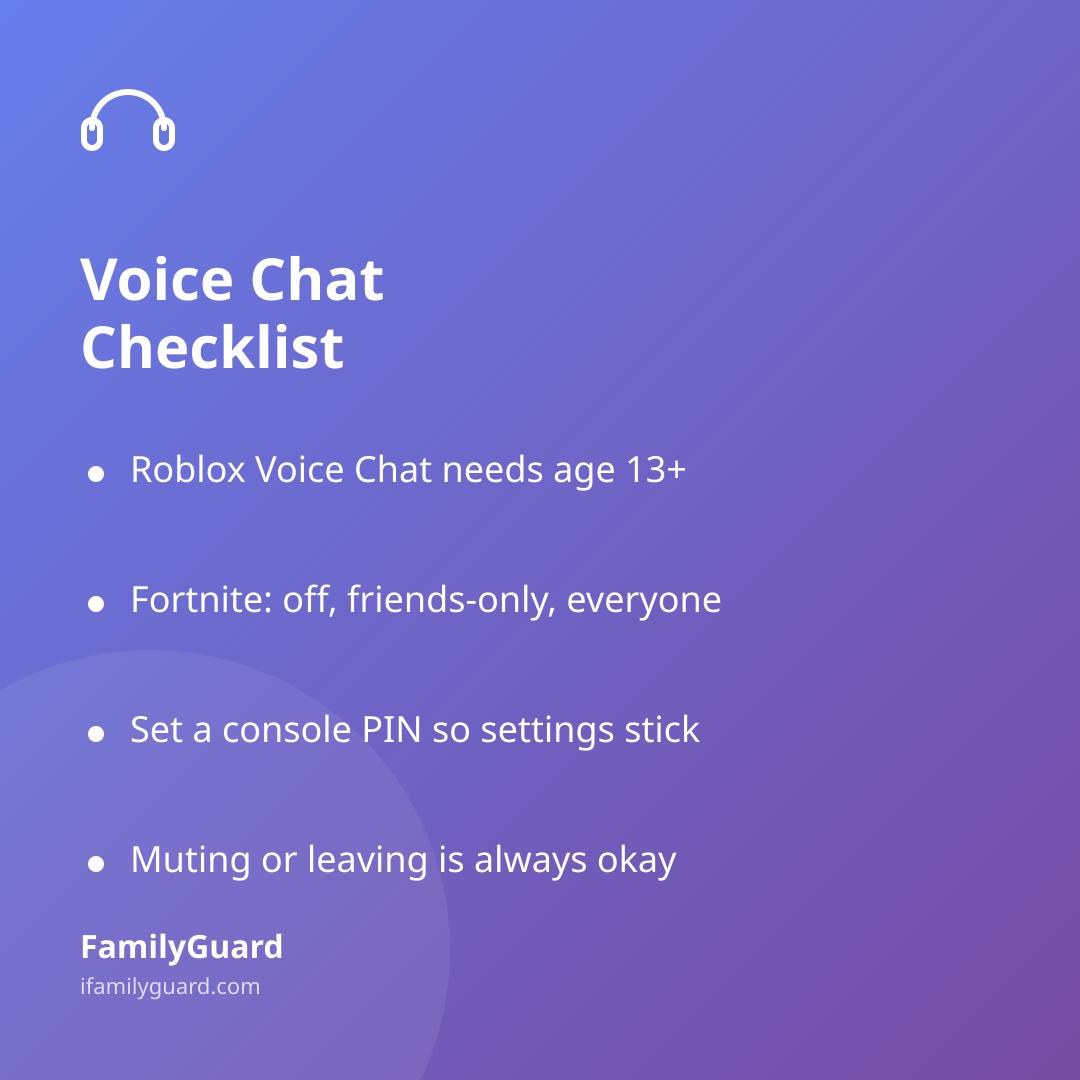
- Roblox limits in-game Voice Chat to accounts that have completed age verification and are 13 or older — an account registered as under 13 can use text-based chat, but has no access to Voice Chat at all, according to Roblox's 2025 announcement on age checks and chat limits. For eligible teens, parents can review who their teen is connecting with and manage chat permissions through Roblox's Safety Center, including setting a parental PIN so a child can't quietly switch a setting back on.
- Fortnite lets a parent or guardian set voice chat to off, friends-only, or everyone, filter mature language out of text chat, and manage in-game spending separately, all through the Epic Games Parental Controls portal rather than the device's general settings.
- Beyond individual games, most consoles — Xbox, PlayStation, Nintendo Switch — let you set a parental PIN for safety settings specifically. This matters because without one, a child can simply switch a setting like voice chat back on after a parent turns it off.
None of this requires technical expertise. It mostly requires ten quiet minutes with your child's account logged in, checking what's currently switched on.
The Conversation Matters More Than the Setting
Settings can narrow who your child hears from, but they can't teach judgment. That part still comes down to talking it through, ideally before a tricky moment happens rather than after.
A few things worth covering together, in your own words:
- "Teammate" isn't the same as "friend." Someone can be fun to play with for an hour and still be a total stranger. Both things can be true at once.
- No real names, school names, or addresses in voice chat — even casually, even to someone who seems friendly. This is simple enough for younger kids to remember as a rule.
- If someone asks to move the conversation off the game — to a phone number, a different app, or a video call — that's a moment to pause and tell a parent, no matter how normal it seemed in the moment.
- Muting or leaving a voice channel is always okay, with no explanation needed, if a conversation feels off, too personal, or just uncomfortable.
Framing these as shared family habits — the same way you'd talk about not opening the door to strangers — tends to land better than framing them as rules attached to punishment. Kids are far more likely to come to you with something that felt weird if they know the response will be calm curiosity, not confiscation.
A Light Check-In, Not a Stakeout
You don't need to sit beside every gaming session to stay in the loop. A few low-key habits go a long way:
- Ask who they played with today, the same casual way you'd ask about recess or lunch.
- Sit in on a session occasionally, not to supervise silently, but to actually play along and see the social dynamic for yourself.
- Revisit the voice and privacy settings every few months — games update their defaults, and so do kids' accounts as they level up or switch platforms.
This is also a good moment to fold gaming into whatever family media agreement you already have in place, so the expectations around voice chat live in the same place as your other screen-time understandings, rather than as a separate, unspoken rule.
If your family uses FamilyGuard for everyday check-ins, the same open, no-secrets approach applies here: it's not about watching every move, it's about keeping a line of communication open so a weird gaming moment turns into a quick family chat instead of something your child quietly sits with alone.
When to Step In
Most voice chat moments are completely ordinary — kids calling out game strategy, laughing at a shared joke, nothing more. But a few signs are worth a closer look and a direct conversation, not alarm:
- A stranger asking personal questions unrelated to the game itself.
- Pressure to keep a conversation secret from you.
- Requests for photos, your child's location, or to meet up in person.
- Your child seeming unusually anxious or secretive after a gaming session.
If any of these come up, most games and platforms have a built-in way to report or block the user directly — use it, and save the details in case you need them again. This is information to act on calmly, the same way you'd handle any other safety concern, not a reason to shut down gaming altogether for a child who is otherwise enjoying it safely.
The Bigger Picture
Voice chat isn't going away, and for a lot of kids, it's genuinely where friendships are built and maintained. The goal isn't to eliminate every unfamiliar voice coming through the headset — it's to make sure your child knows how to navigate it, knows the settings exist, and knows you're someone they can tell when something feels off. That combination tends to do far more than any single setting ever could.