
At some point, usually around the same time as a school account, a gaming profile, or a first phone, your child is going to need an email address. It sounds like a small, administrative moment. But an inbox is often a child's first real piece of digital identity — the key that unlocks new accounts, the place where strangers can reach them directly, and the first inbox they'll ever have to manage on their own.
The good news is that setting one up well, together, takes less than half an hour. The habits you build in that first sitting tend to stick for years.
Why the first email matters more than it seems
An email address is rarely just an email address. It's usually the login for a school portal, a streaming profile, a game account, or a messaging app. That makes the inbox a kind of front door to everything else your child does online — which is exactly why it's worth setting up carefully instead of rushing through it.
It's also one of the first places your child may encounter a stranger trying to manipulate them, whether that's a prize scam, a fake "your account is locked" message, or a link disguised as something from a friend. Young people are already a meaningful target for this kind of fraud. In its 2024 Internet Crime Report, the FBI's Internet Crime Complaint Center (IC3) logged 17,993 complaints from victims under age 20, representing $22.5 million in losses. Email is one of the most common entry points for these scams, which is exactly why a little groundwork now pays off later.
Setting it up together, the first time
Treat the setup itself as the first lesson, not just a formality. Sitting down together to create the account gives you a natural, low-pressure moment to talk through the basics before anything goes wrong.
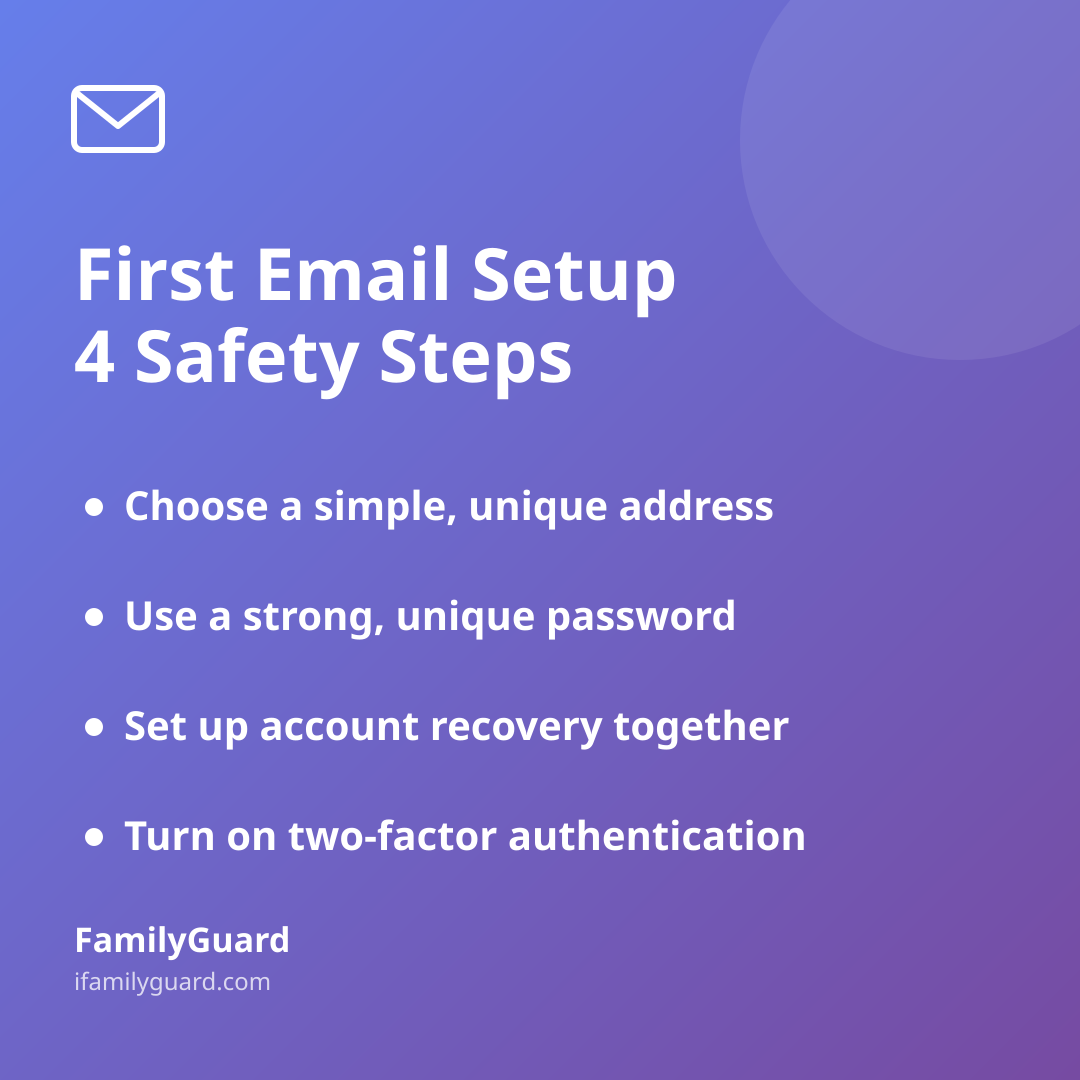
- Choose a sensible address. A simple first-name-and-initial or a nickname works better than a full legal name plus birth year — it's easier to remember and reveals less to strangers.
- Use a strong, unique password. A password manager or a memorable passphrase beats a word your child uses everywhere else.
- Set up account recovery together. Add a parent's phone number or email as a backup recovery option, so a forgotten password doesn't turn into a locked-out afternoon.
- Turn on two-factor authentication if the provider offers it, so a guessed password alone isn't enough to get in.
- Check the privacy and ad settings together, and turn off anything that shares more than necessary with advertisers.
For children under 13, most major providers require a parent to be involved in setup under the FTC's Children's Online Privacy Protection Rule (COPPA), which limits how companies can collect and use a young child's personal information without verified parental consent. That's a helpful backstop, but it isn't a substitute for the conversation you have at your own kitchen table.
Teaching the "pause before you click" habit
Most email scams rely on urgency — a message that says an account will be deleted, a prize is about to expire, or a friend "urgently" needs help. Kids, like adults, are more likely to click when they feel rushed. The single most useful skill you can teach is simply slowing down.
A few plain-language markers are worth repeating until they're automatic:
- Real companies rarely ask you to "verify your account" by clicking a link and typing a password.
- Messages with spelling mistakes, strange sender addresses, or generic greetings ("Dear Customer") deserve a second look.
- If a message creates a feeling of panic or excitement, that's the moment to pause, not click.
- Attachments and links from unknown senders should never be opened without checking with a parent first, especially early on.
Frame this as detective work rather than a lecture. Asking "what feels off about this message?" invites your child to notice the clues themselves, which sticks far better than a list of rules.
Keeping the inbox healthy as they get older
An inbox that's cluttered with newsletters, game promotions, and forgotten sign-ups is harder to use safely, simply because it's harder to tell what's normal and what isn't. A few light habits help:
- Unsubscribe from mailing lists together instead of letting them pile up unread.
- Revisit privacy settings every year or so, since defaults sometimes reset after updates.
- Encourage your child to ask before using their email to sign up for a new app or service, at least in the early months.
- Periodically review which apps and services are connected to the account, and remove ones no longer in use.
As your child gets older and more independent online, these check-ins can become less frequent and more collaborative — less "I'm checking on you" and more "let's both make sure this still looks right." That shift matters. The goal isn't to monitor every message that arrives, but to make sure your child has the judgment to handle most of them without you.
A door you open together, not watch over forever
The first email address is one of many small milestones that mark a child's growing independence online — alongside a first phone, a first social account, or a first solo outing in the real world. In each case, the same idea holds: start with transparency and shared setup, then gradually hand over more responsibility as trust and competence grow.
That's the same spirit behind how families use tools like FamilyGuard for location sharing — not as something done to a child, but as something set up together, with consent on both sides, so safety feels like teamwork rather than surveillance. An inbox is no different. The best outcome isn't a child who never gets a suspicious email; it's one who knows exactly what to do when they do.