Somewhere between "I need to know where you are every second" and "don't ask me anything," most families land on a setting they never actually chose — location sharing left on all the time, by default, because that's how the app came out of the box. It works, mostly. But it's worth asking a simpler question: how much location sharing does your family actually need, and for what?
The answer is rarely "all of it, always." For some families, a few hours a week is plenty. For others, especially with younger kids or new routines, more frequent sharing makes sense for a while. The goal isn't to find the "correct" amount — it's to find the amount that matches your family's real life, and to agree on it together instead of defaulting into it.
Start With the Problem You're Actually Solving
Before touching any setting, it helps to name what location sharing is for in your house right now. The answer changes a lot depending on the moment:
- Peace of mind during a commute — knowing your child made it from school to practice.
- Coordination, not supervision — figuring out who's picking up whom, without a round of texts.
- A safety net for a specific trip — a sleepover, a solo bus ride, a first time walking home alone.
- A general sense of connection — less about any single moment, more about feeling in touch as a family.
Each of these points to a different amount of sharing. Coordination might only need a check at pickup time. A new solo-outing routine might call for sharing during the trip itself. General connection might sit comfortably as a low-key, always-on background feature nobody thinks much about. There's no single right setup — just a mismatch to avoid, where the sharing is "always on" but the actual need is occasional, or the other way around.
Three Shapes Location Sharing Can Take
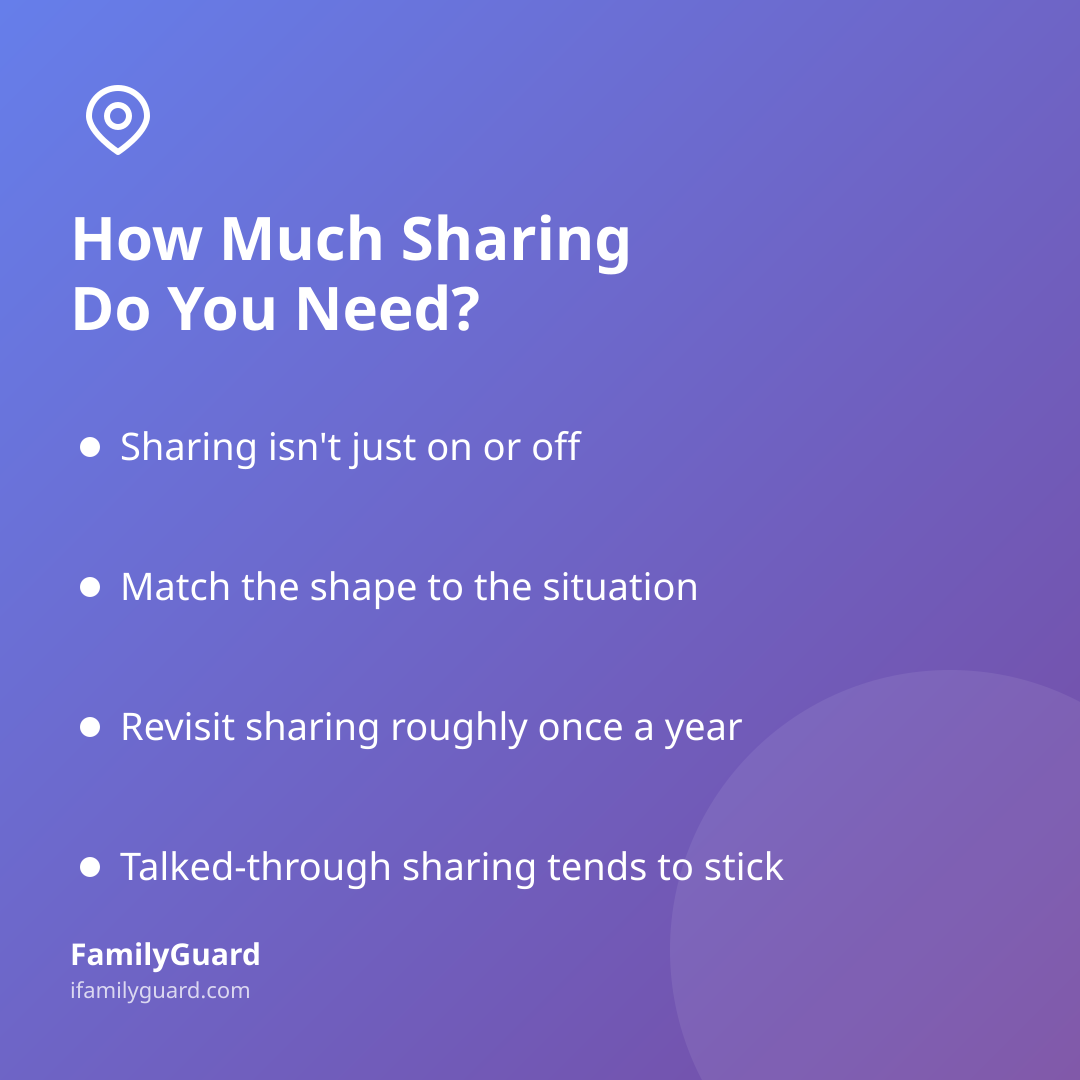
It helps to think of location sharing less as an on/off switch and more as a few different shapes a family can choose from, often in combination:
- Always-on. Everyone's location is visible to the rest of the family continuously. This suits households with younger kids, new independence milestones, or families who just like the quiet background reassurance.
- Event-based. Sharing switches on around a specific moment — a smart zone alert when someone arrives at school or leaves home, for instance — rather than running constantly. This gives useful information ("they got there") without anyone watching a map all day.
- Time-boxed. Sharing is turned on for a defined window — a trip, a sleepover, a festival weekend — and turned off again afterward. This is often the best fit for teens who want independence most of the time but are comfortable sharing more for a specific occasion they've agreed to.
A family can mix these. Younger siblings might stay on always-on sharing while an older teen uses event-based arrival alerts during the week and agrees to time-boxed sharing for a concert night. The shape should follow the situation, not the other way around.
Age, Trust, and the Shifting Default
What counts as "enough" sharing naturally shifts as kids grow. A seven-year-old walking to a friend's house for the first time and a sixteen-year-old driving to a part-time job are not the same situation, and they shouldn't run on the same setting by habit.
Research on how families actually use these tools backs this up: a Pew Research Center study (2016) found that only about 16% of parents used location-tracking tools on their teen's phone — most families relied on conversation and trust-building rather than constant tracking, even when the technology was available. That's a useful reminder: having the ability to share location all the time doesn't mean it's the setting that fits best at every age.
A good habit is to revisit the setting roughly once a year, or whenever something changes — a new school, a new phone, a new level of independence. Ask out loud: "Does this still make sense for where we are now, or should we scale it back?" Scaling back isn't a loss of safety; it's often a sign that trust is working the way it's supposed to.
Making the Decision Together, Not Just Setting It
The amount of sharing matters less than how the family arrived at it. Location sharing that feels imposed tends to get quietly worked around — a phone left behind, an app logged out "by accident." Location sharing that's been talked through tends to stick, because everyone understands why it's there.
A short, calm conversation covers most of the ground:
- What are we actually trying to know — arrival, safety during a specific trip, or general connection?
- Does that call for always-on, event-based, or time-boxed sharing?
- Who can see what, and does everyone agree that's fair?
- When will we check back in and reconsider?
This is the kind of setup an app like FamilyGuard is built around: sharing stays visible to everyone involved, with smart zones for simple arrival alerts instead of a map someone has to watch all day, and nothing shared outside the family who agreed to it in the first place. The technology just makes whatever the family decides easier to live with day to day — it doesn't make the decision for you.
A Simple Way to Check Your Current Setup
If your family's location sharing has been running on autopilot for a while, it's worth a quick audit:
- Does everyone know exactly what's being shared, and did they agree to it?
- Is the current setting solving a real, present need — or a worry that's since passed?
- Would an arrival alert (smart zone) cover the same need with less constant visibility?
- Is there a trip or season coming up where time-boxed sharing would fit better than an always-on setting, or vice versa?
None of these questions have a universal right answer. But asking them turns location sharing back into a choice your family made on purpose, rather than a default nobody remembers agreeing to.