Every family seems to land on the same idea eventually: maybe dinner shouldn't happen with four faces lit up by four screens. The intention is good. The follow-through is where it usually falls apart — the rule gets made on a Sunday night, survives about four days, and then quietly dissolves back into old habits. Tech-free zones work, but only when they're built around how your family actually lives, not around guilt or a one-size-fits-all rule.
The good news is that this doesn't need to be a battle of wills. Done well, screen-free time and space becomes something the whole household — adults included — starts to genuinely look forward to.
Why screen-free spaces matter more than screen-free hours
Much of the conversation around kids and screens focuses on total time: two hours a day, four hours a day, and so on. But the American Academy of Pediatrics (AAP) shifted its guidance in 2026 toward a broader approach that pays less attention to the clock and more to context — what's being watched, how calm the household feels, and whether media is "crowding out" things like sleep, play, and conversation.
As part of that approach, the AAP specifically recommends designating certain places and times as screen-free for everyone, not just kids. According to the Academy's 2026 guidance, bedrooms and mealtimes are a great place to start, especially the hour before bed, since that's when screens most directly interfere with sleep. The Academy also points families toward its free, interactive Family Media Plan tool as a way to set boundaries that reflect each household's own routines and values, rather than a generic rulebook.
In other words, a handful of well-chosen zones beats a long list of restrictions. It's easier to protect three sacred spaces than to police screen time all day long.
Picking zones that fit your family, not a template
The zones that stick tend to be the ones with an obvious, felt reason behind them — not an abstract "screens are bad" rule. Some starting points that tend to work across different family styles:
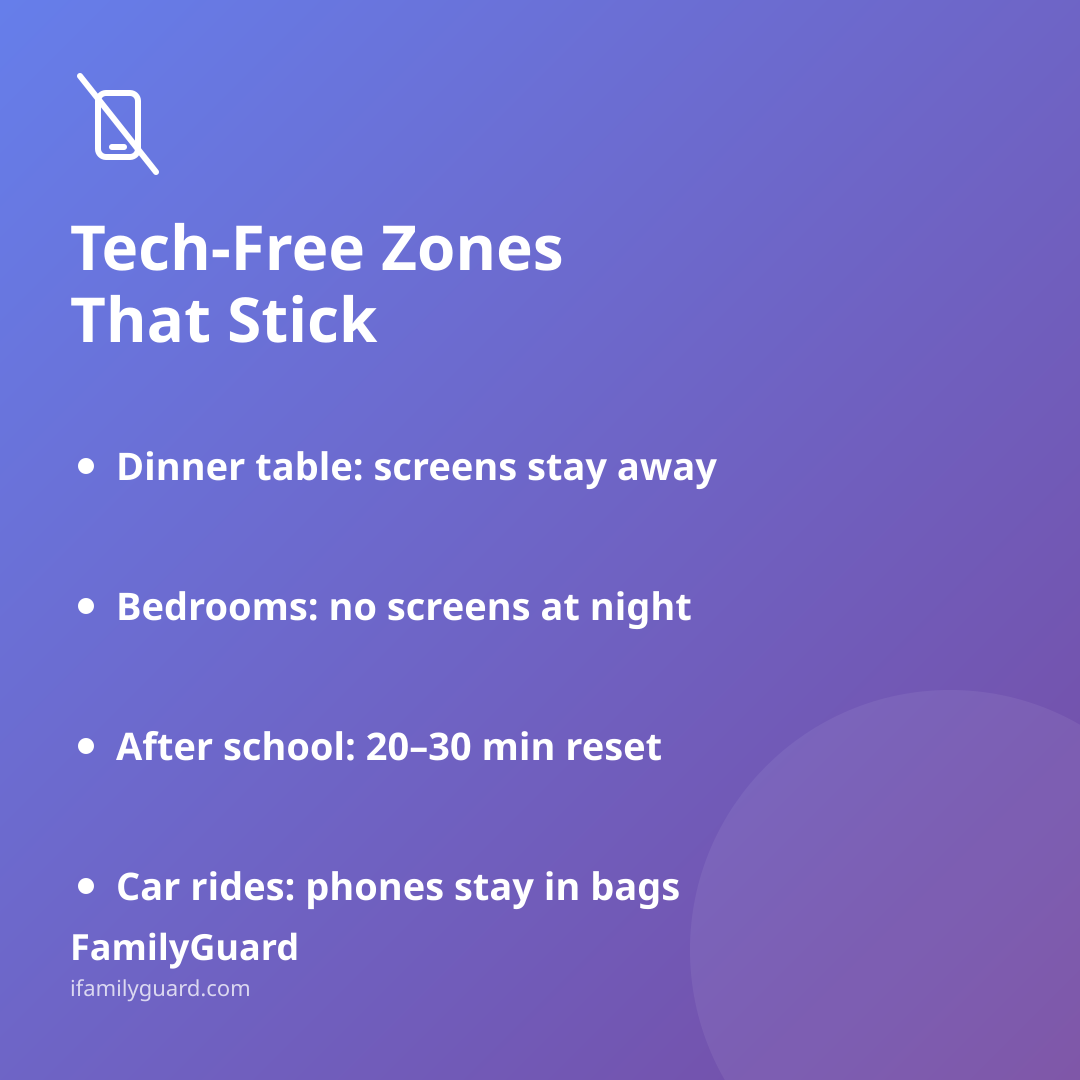
- The dinner table. Even twenty distraction-free minutes a few nights a week gives everyone a chance to actually hear about each other's day.
- Bedrooms at night. Charging phones in a kitchen or hallway basket overnight protects sleep — and it's a rule that's easy to apply evenly to parents and kids alike.
- The first 20–30 minutes after school or work. A short decompression window, screens aside, can soften the "how was your day" conversation that often gets rushed or skipped.
- The car, at least sometimes. Short drives are often the only unplanned, side-by-side time parents and kids get. Leaving phones in bags turns a quiet car ride into actual conversation.
- Homework time. Not a full device ban if schoolwork requires one, but a shared understanding that notifications are off until the work is done.
You don't need all of these at once. Pick one or two, let them become normal, and add more later if it's going well.
Making the rule apply to everyone
The single biggest reason tech-free zones fail is that they're announced as a rule for kids while parents keep checking email at the table. Kids notice that instantly, and it turns the whole thing into an enforcement problem instead of a shared value.
A few things that help the rule feel fair:
- Say it out loud: "This applies to all of us, including me." Then actually follow it, even when a work notification is tempting.
- Build in the exceptions in advance — a parent on call, a teen waiting to hear about a ride home — instead of pretending exceptions won't come up.
- Let older kids help choose the zones. A rule they had a hand in designing survives much longer than one that was simply handed down.
- Treat slip-ups as normal, not a sign the whole system failed. Adjust and keep going.
The "but what if something's wrong?" worry
One real hesitation parents have — especially with teens — is that going screen-free, even for an hour, means losing the ability to reach each other if something comes up. That worry is legitimate, and it's worth naming out loud rather than brushing aside.
This is usually easier to resolve than it feels. A short, explicit understanding ("silence notifications, but SOS and calls still come through") removes most of the anxiety on both sides. Having a consent-based way to check that everyone's okay without needing a constant stream of texts can also take the pressure off — a family safety app like FamilyGuard, with a one-tap SOS and optional location sharing, lets a family quietly confirm "we're fine" even during screen-free windows, so stepping back from the phone doesn't have to feel like stepping away from safety.
When the rule inevitably slips
It will — a stressful week, a school project, a visiting relative who's glued to their phone. That's not evidence the idea doesn't work; it's just what adjustment looks like. A short, low-pressure check-in every few weeks — "Is dinner still screen-free for us? Does bedtime charging still happen?" — keeps the habit alive without turning it into a recurring argument.
It also helps to notice and name the good moments out loud: the longer dinner conversation, the kid who fell asleep faster, the unplanned chat in the car. Those small wins are what make a screen-free zone feel worth protecting, long after the novelty of a new house rule wears off.
A calmer starting point
Tech-free zones aren't about treating screens as the enemy — they're about making sure a few important parts of family life stay protected from them. Start small, make the rule apply to everyone, and build in a simple way to stay reachable if it matters. The goal isn't a screen-free household. It's a handful of moments, every day or every week, that belong fully to each other.