
Most parents have felt it: a sudden, loud buzz-and-siren sound from everyone's phone at once, followed by a short message about a missing child or a severe storm. It's startling, and it's easy to wonder what it actually means — or whether it means your family needs to do something right now. Understanding how these alerts work takes away the mystery, and it gives you a natural opening to talk with your kids about what to do if they ever see one.
What That Alert Actually Is
The sound comes from the Wireless Emergency Alerts (WEA) system, a public warning tool built by the Federal Communications Commission and the Federal Emergency Management Agency. Authorized agencies — police departments, the National Weather Service, emergency management offices — send a short message through FEMA's alert system, and participating carriers broadcast it to every compatible phone in a defined area, similar to a radio signal reaching every antenna in range.
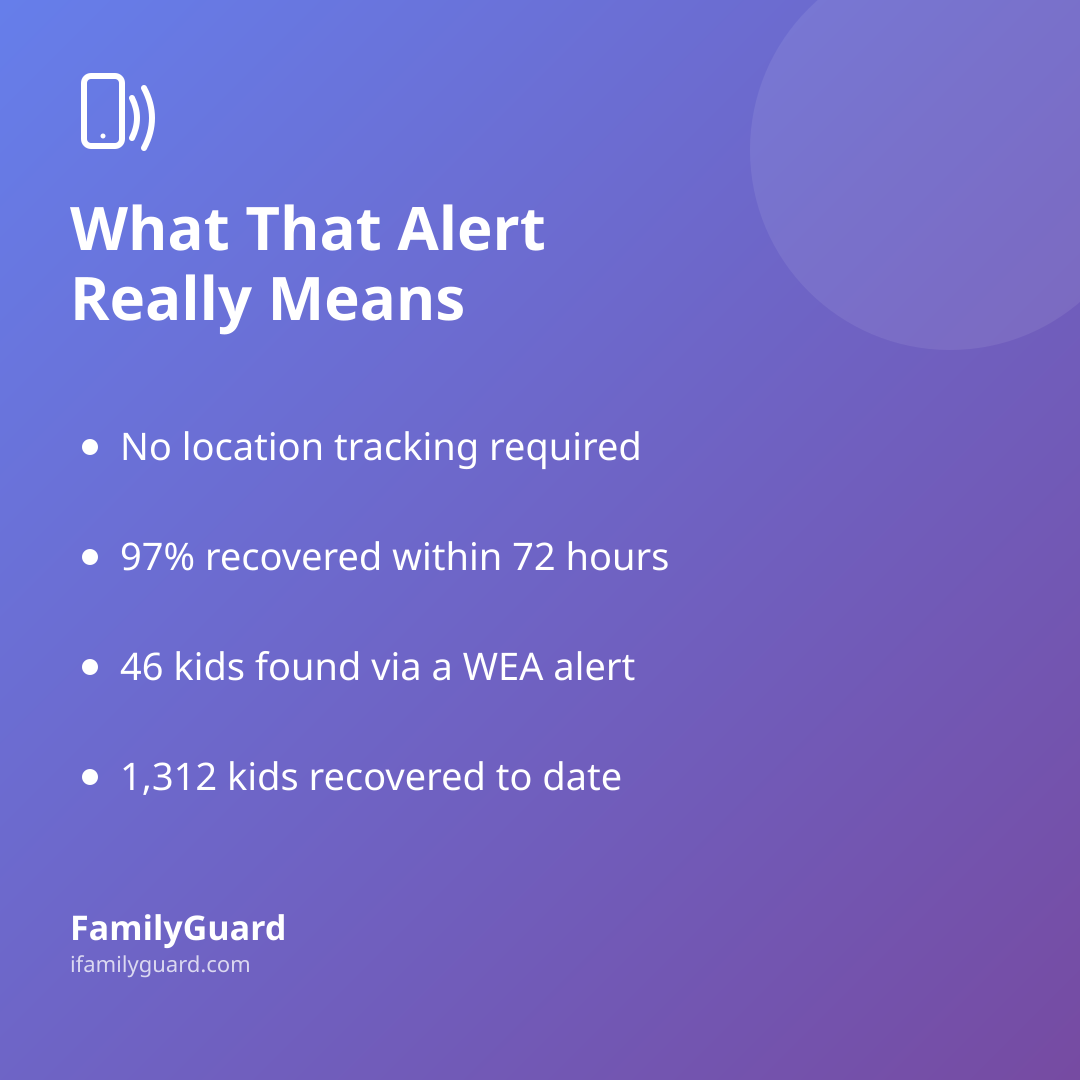
A detail that surprises a lot of parents: these alerts aren't personal messages, and they don't require your phone to share its location with anyone. The FCC explains that WEA messages do not track or collect location information — they're simply broadcast from nearby cell towers to every capable device in that geographic area, the same way a radio station reaches every receiver tuned in. There's no sign-up, no subscription, and nothing to download. The FCC requires any device marketed as "WEA-capable" to meet its technical standards, which is why the vast majority of phones sold today support the system automatically.
There are three main categories you'll encounter:
- Imminent threat alerts — severe weather, flash floods, evacuation orders, and similar immediate dangers
- AMBER Alerts — notifications about a child abduction in your area
- Presidential alerts — rare, national-level messages that cannot be turned off
Imminent threat and AMBER alerts can be disabled in your phone's notification settings, but most safety experts recommend leaving them on — they're short, infrequent, and specifically designed to reach you when it matters.
Why AMBER Alerts Work Better With a Phone in Everyone's Pocket
AMBER Alerts started as a partnership between broadcasters and law enforcement in the 1990s, but the addition of wireless alerts turned every nearby phone into a potential set of eyes. According to the National Center for Missing & Exploited Children's 2024 Annual AMBER Alert Report, 189 AMBER Alerts were issued that year involving 236 children, and 97% of children were recovered within 72 hours. Of those cases, the report credits 46 children specifically to someone seeing a Wireless Emergency Alert and recognizing a car, a street, or a description.
The cumulative numbers tell a similar story. As of December 31, 2025, the AMBER Alert program, overseen by the U.S. Department of Justice, reports that 1,312 children have been successfully recovered following an AMBER Alert activation, with at least 252 of those recoveries tied directly to someone noticing a Wireless Emergency Alert. It's a reminder that these alerts aren't background noise — they genuinely rely on ordinary people paying a little attention for a few minutes.
Talking to Kids About the Alert Without Scaring Them
You don't need a long, heavy conversation to cover this — a short, matter-of-fact chat does the job. Kids pick up on tone more than content, so keeping your voice calm when you explain it teaches them that this is a normal safety tool, not a reason to panic.
A few things worth covering, in age-appropriate language:
- What the sound means — it's a message from local authorities, not an error or a hacked phone
- They don't need to act on an AMBER Alert personally — the job of a child who sees one is simply to tell a parent or trusted adult, not to go looking for anything
- For weather or evacuation alerts, the family's existing plan kicks in — the same one you'd use for a storm or other emergency
- It's okay to ask questions — if an alert pops up during school pickup or a sleepover, kids should feel comfortable asking an adult what's going on
If your family already has a simple emergency plan — a meeting point, a short list of who to call, a habit of checking in — this is a good moment to mention that the plan covers moments like these too. It doesn't need to be a new conversation; it fits naturally into the one you've probably already had about what to do if something feels off.
Where a Family App Fits In
Wireless Emergency Alerts are a community-wide tool — they're built to reach everyone in an area, not just your household. A family safety app works differently, and the two complement each other well. While the public system handles broad, area-wide warnings, something like FamilyGuard is built for the smaller, more personal layer underneath: a one-tap SOS that lets a family member ask for help instantly, with location shared only among people who've agreed to share it with each other. If a serious alert goes out in your neighborhood, that kind of instant, consent-based check-in can be the fastest way to confirm everyone in the family is accounted for.
It's worth remembering that these two systems aren't competing — public alerts are about broad community awareness, while a private family tool is about immediate, personal reassurance. Neither replaces the other.
A Few Practical Habits Worth Building
- Check that your phone's emergency alert settings are turned on, not just assumed to be — look under notification or emergency settings
- If you travel, know that WEA messages are tied to your current location, not your home area, so you'll get locally relevant alerts wherever you are
- Keep your family's own check-in habit simple and low-effort, so it's something everyone actually uses when an alert interrupts the day
- Talk through the "what if" once, calmly, rather than waiting until an alert actually goes off
The Takeaway
That jarring tone isn't designed to alarm your family for no reason — it's a carefully built public safety system that has, documented and verifiable, helped bring children home. Understanding what it is and isn't takes the mystery out of it, and gives you an easy, low-pressure way to talk with your kids about staying calm, telling an adult, and knowing the family's plan is already in place underneath it.

Sources
- Federal Communications Commission — Wireless Emergency Alerts (WEA) (accessed 2026)
- Federal Communications Commission — WEA-Capable Mobile Devices (accessed 2026)
- National Center for Missing & Exploited Children — 2024 Annual AMBER Alert Report (2024)
- U.S. Department of Justice, AMBER Alert Program — Statistics (2025)