It usually happens at the worst possible moment: your child gets off the bus, reaches into their backpack, and the phone just isn't there. Or it was on the bleachers at practice and now it isn't. The panic that follows — theirs and yours — is often bigger than the situation deserves. A missing phone is stressful, but it's also one of the most fixable problems in family life, especially if you've thought through the steps before you need them.
Here's a calm, practical plan your family can follow, from the first five minutes to the aftermath.
First, take a breath — and take stock
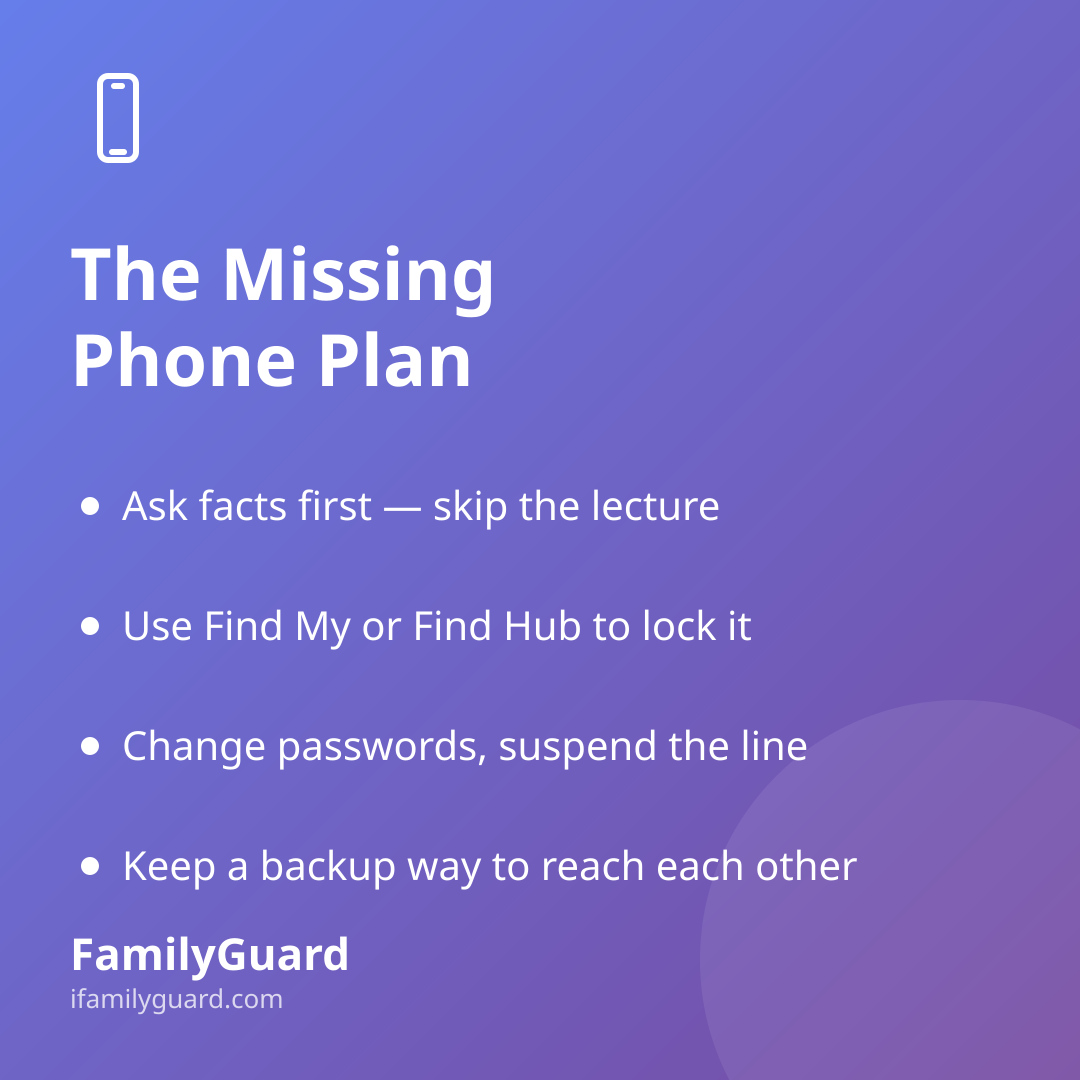
Before diving into apps and settings, get the basic facts from your child. Where were they the last time they remember having it? Did it slip out of a pocket, get left on a table, or was it possibly taken? This isn't an interrogation — it's just information that shapes what you do next. A phone left on a park bench calls for a different response than one that vanished from an unlocked backpack in a crowd.
It also helps to remind your child, gently, that this happens to adults too. Losing a phone is common and rarely anyone's fault in a way that deserves shame. Kids are far more likely to tell you quickly — which matters for everything that follows — if they know the reaction will be problem-solving rather than a lecture.
Use built-in tools to locate or lock the device
Both major phone platforms have free, official tools designed exactly for this moment, and it's worth knowing how they work before you're using them under stress:
- iPhone: Apple's Find My app can show the phone's last known location, play a sound to help find it nearby, or switch it into Lost Mode, which locks the screen and displays a message with a contact number.
- Android: Google's Find Hub (the current name for the service formerly called Find My Device) works similarly — it can ring the phone at full volume even if it's on silent, show its location on a map, or remotely secure it with a lock screen message.
If the phone appears to be somewhere unexpected, like a location your child never visits, resist the urge to go retrieve it yourself, especially if it might be with someone else. Locking the device and protecting the data matters more than recovering the hardware.
What to do next if it doesn't turn up quickly
- Lock the device remotely so a stranger can't access photos, messages, or saved logins.
- Change the password on any account your child was logged into on that phone — starting with email, since it's often the key to resetting everything else.
- If the phone was on your carrier plan, call your provider to suspend the line. This stops anyone else from racking up charges or using it to receive verification codes.
- If there's any chance it was stolen rather than simply lost, a police report is worth filing, particularly if you'll need it for insurance or a carrier claim.
Staying connected while the phone is gone
The part that tends to worry parents most isn't the hardware — it's the sudden loss of contact. This is where having a family communication plan in place before anything goes missing makes a real difference. A few things help:
- A backup way to reach each other. A smartwatch, a shared tablet, or simply knowing a friend's number by heart can bridge the gap until a replacement device is set up.
- A default meeting point or check-in time. If your family already has a habit of confirming "I'm home" or "I'm at practice," losing a phone becomes an inconvenience rather than a communication blackout.
- Shared family accounts that don't live on one device. When location sharing and family messaging are tied to an account rather than a single phone, a missing device is far less disruptive — everyone can still see that the family is okay, and set expectations for when the phone is back.
This is one of the reasons families use an app like FamilyGuard alongside their phones' built-in tools: because sharing is consent-based and account-linked rather than device-locked, a lost phone doesn't mean losing the whole safety net — you can simply reconnect once a replacement is ready.
Talking with your child afterward
Once the immediate scramble is over, it's worth a short, low-pressure conversation rather than a lecture. Ask what they think happened and whether there's a habit that might help next time — a specific pocket, a bag with a zipper, checking for it before leaving a place. Kids remember practical fixes much better than reminders to "be more careful," which doesn't actually tell them what to do differently.
It's also a good moment to talk about why the phone locks and remote-wipe features exist in the first place. Most kids find it reassuring, not scary, to know that even if a phone is lost, their photos and messages aren't automatically available to whoever finds it. That's a small but real piece of digital literacy: understanding that a passcode and a lock screen are doing real work to protect them.
Building this into your family's routine
Given how common phone ownership now is among kids and teens — a 2024 Pew Research Center survey found that 95% of U.S. teens ages 13 to 17 have or have access to a smartphone — a lost or stolen phone is less a rare emergency than a predictable event most families will face at some point. Treating it that way, with a plan rather than a scramble, takes most of the stress out of it.
A few minutes now can save a lot of worry later:
- Make sure Find My or Find Hub is turned on for every device in the house, not just set up once and forgotten.
- Write down (somewhere other than the phone itself) the steps to lock and locate each family member's device.
- Agree on a backup way to reach each other if a phone is ever unreachable.
- Talk through the plan with your kids so they know exactly what will happen — calmly and together — if it's ever their phone that goes missing.
A missing phone will always cause a jolt of panic in the moment. But with a plan the whole family already knows, that panic fades fast, replaced by a few clear steps and the reassurance that being briefly unreachable isn't the same as being unsafe.