If your child plays online games or has a tight-knit friend group, there's a good chance Discord or a similar group chat app has come up — maybe as a place to "talk strategy" during a game, or a server a classmate invited them to join. These apps can feel unfamiliar to parents who grew up with simpler messaging, but understanding the basics doesn't require becoming an expert overnight. It just takes a little curiosity and an open conversation with your child.
What Discord and Apps Like It Actually Are
Discord started as a place for gamers to chat by voice and text while playing together, and it has since grown into a broader hangout space used for everything from homework groups to hobby communities. Other apps — like group features inside gaming consoles or chat tools in platforms such as Roblox — work in similar ways.
A few terms are worth knowing:
- Server — a community space, often built around a game, interest, or friend group, that anyone can create
- Channel — a specific topic or room within a server, for text or voice
- Direct message (DM) — a private, one-on-one or small-group conversation outside the main server
- Voice chat — real-time talking, often used while playing a game together
Most servers your child joins are run by other everyday users, not the app itself, which means the rules, moderation, and membership can vary a lot from one server to the next.
Why Kids Are Drawn to It
For a lot of kids and teens, these spaces aren't about secrecy — they're simply where their social life happens alongside school and sports. According to a 2024 Pew Research Center survey, teens who play video games are far more likely to use Discord than those who don't: 44% of teen gamers use the platform, compared with 28% of teens overall. For many, it's less like a "social media app" and more like a clubhouse attached to the games and interests they already love.
That context matters. If you approach the conversation as "help me understand this thing you enjoy" rather than "I need to shut this down," you're far more likely to get an honest, two-way conversation going.
The Real Risks Worth Knowing
The biggest difference between Discord-style apps and a family group chat is that your child can end up in spaces with people they've never met in person — sometimes added by a friend, sometimes through a public server. The main things worth understanding:
- Open DMs. Depending on settings, anyone in a shared server can message your child privately, which is where most uncomfortable or inappropriate contact tends to start.
- Uneven moderation. Some servers are well-run and friendly; others have little oversight at all.
- Scam and phishing links. Fake "free game items" or "nitro gift" links circulate often and can lead to account takeovers.
- Voice chat with strangers. Talking live, rather than texting, can feel more personal — which is exactly why it's worth knowing who your child is actually speaking with.
In a 2022 national public safety alert, the FBI warned that online predators — including those running financial "sextortion" scams — often make first contact with kids through gaming and chat platforms, sometimes posing as a peer to build trust before pushing for photos or money. This isn't meant to alarm you — most interactions kids have online are perfectly normal — but it's a good reason to stay engaged rather than assume the app handles it for you. If you or your child ever encounter something that feels wrong, the National Center for Missing & Exploited Children's CyberTipline (report.cybertip.org) is the right place to report it.
Setting It Up Safely, Together
The most effective safety setup is one you build with your child, not one you impose behind their back — they'll understand and stick with settings they helped choose. Sit down together and walk through:
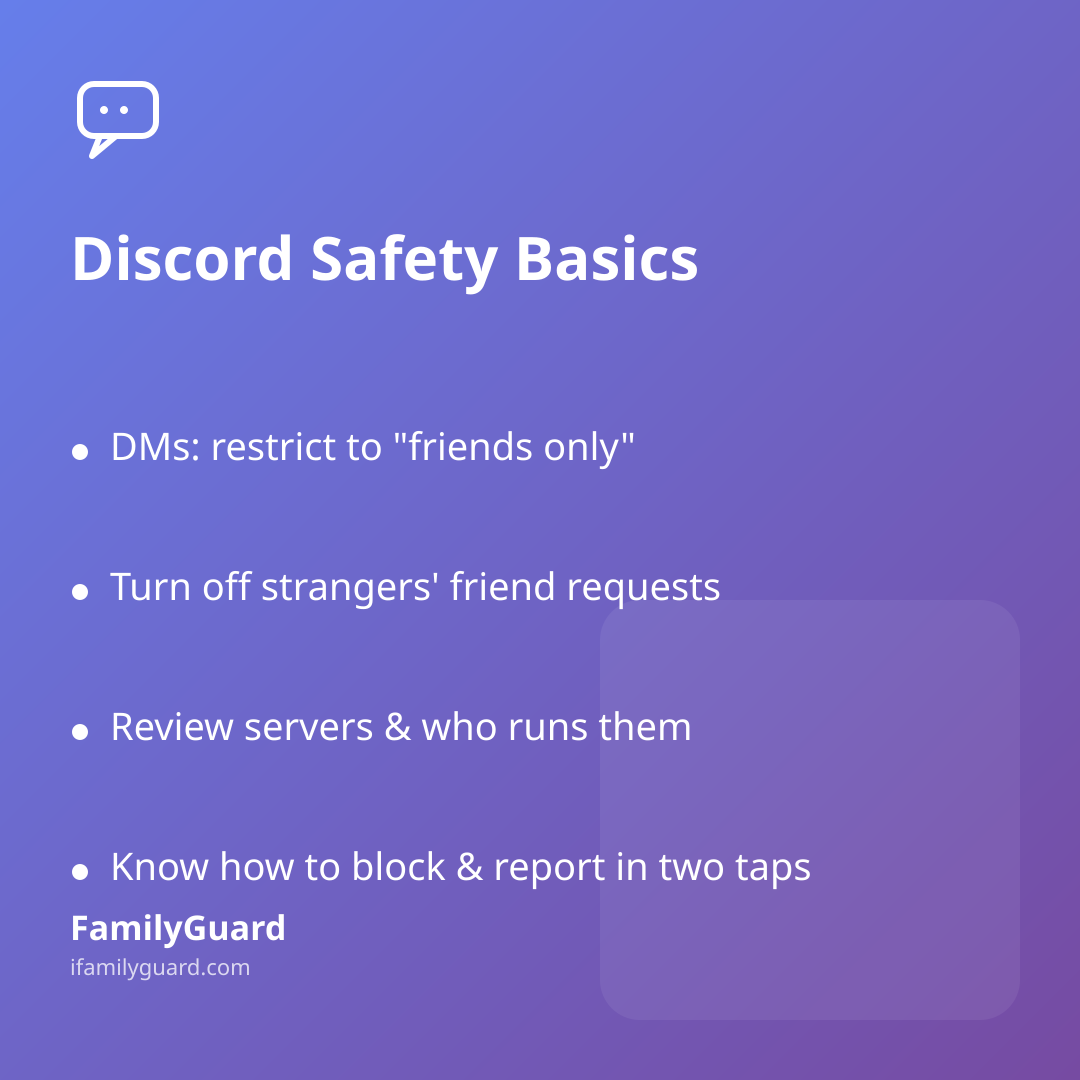
- Privacy settings — restrict who can send direct messages to "friends only," not "everyone"
- Friend requests — turn off the ability for strangers to add them directly where possible
- Server membership — do a quick review of which servers they're in and who runs them
- Blocking and reporting — make sure your child knows exactly how to block a user and report a message in two taps, before they ever need to
- Age and content settings — many apps let you limit exposure to explicit content by default
Treat this like checking the locks on a new bike, not like searching their room — it's maintenance, not suspicion.
Conversations That Work Better Than Rules Alone
Settings can only do so much; the real safety net is a relationship where your child feels comfortable telling you when something feels off. A few habits that help:
- Ask them to show you their favorite server, the way you'd ask about a favorite show
- Agree on a simple rule: new DMs from people they don't know in real life get mentioned to you, no judgment attached
- Talk through what a "red flag" message looks like — someone asking for photos, personal details, or to move the conversation to another app
- Revisit the settings together every few months as they get older and the friend group changes
This is the same consent-based spirit that works well for location sharing within a family: it's not about watching every move, it's about staying genuinely connected so your child knows help is always one honest conversation away. Some families keep this kind of openness going through a shared family chat — whether that's a plain group text or a feature built into an app like FamilyGuard — and that same habit of talking openly carries over naturally into how you discuss their online hangouts, too.
A Calm Closing Thought
Group chat and gaming apps aren't inherently risky any more than a playground is — what matters is who's there, how it's supervised, and whether your child knows they can come to you if something feels wrong. A short setup session now, followed by regular, judgment-free check-ins, does more for your child's safety than any single setting ever could.