You take a photo of your child grinning on the first day of school, sign in front of the building and all, and share it with grandma in seconds. Nothing about that feels risky. But many phones quietly attach something to that photo besides the image itself: a small bundle of information called metadata, which can include the exact GPS coordinates of where the picture was taken. Most parents have never looked at it, and that's completely normal — it isn't visible unless you know where to check.
This isn't a reason to stop taking photos or to panic about every post. It's simply worth understanding, so your family can keep sharing the moments you love while being a little more intentional about what comes along for the ride.
What Is a Geotag, Really?
When location services are turned on for your camera app, your phone can save the exact spot where a photo was taken — often accurate enough to identify a specific house, playground, or classroom — inside the photo file itself. This hidden layer of information is called metadata, and the location piece of it is the "geotag."
You won't see it when you look at the picture. It's not a caption or a visible marker. It lives inside the file, and certain apps, websites, or even a simple right-click on a computer can reveal it. Most major social platforms strip this data from the copy other users can download before displaying a photo publicly, but not every app does, and photos sent directly through messaging apps, email, or cloud storage links often keep it intact.
Why a Single Photo Isn't the Real Concern — the Pattern Is
One geotagged photo of a birthday party rarely tells a stranger much. The real issue is repetition. A photo from the same playground every Tuesday, a school drop-off photo every September, a house exterior tagged in the background of a dozen posts — over time, these small details can sketch out a fairly predictable picture of where a child spends their days.
The National Center for Missing & Exploited Children (NCMEC), in a 2026 guide on back-to-school photo safety, points out that reviewing a photo before posting means checking not just for geotags, but for things like street signs, house numbers, school names on banners, or a visible license plate — details that can identify a location just as easily as GPS data can, even after the geotag itself is removed. Their guidance frames this as a quick, manageable habit rather than a reason to stop sharing altogether.
"It can be as simple as taking 30 seconds to review your photo before you hit 'post.' Even if the photo itself doesn't reveal your location, geotags, public stories or location-sharing features can." — National Center for Missing & Exploited Children, 2026
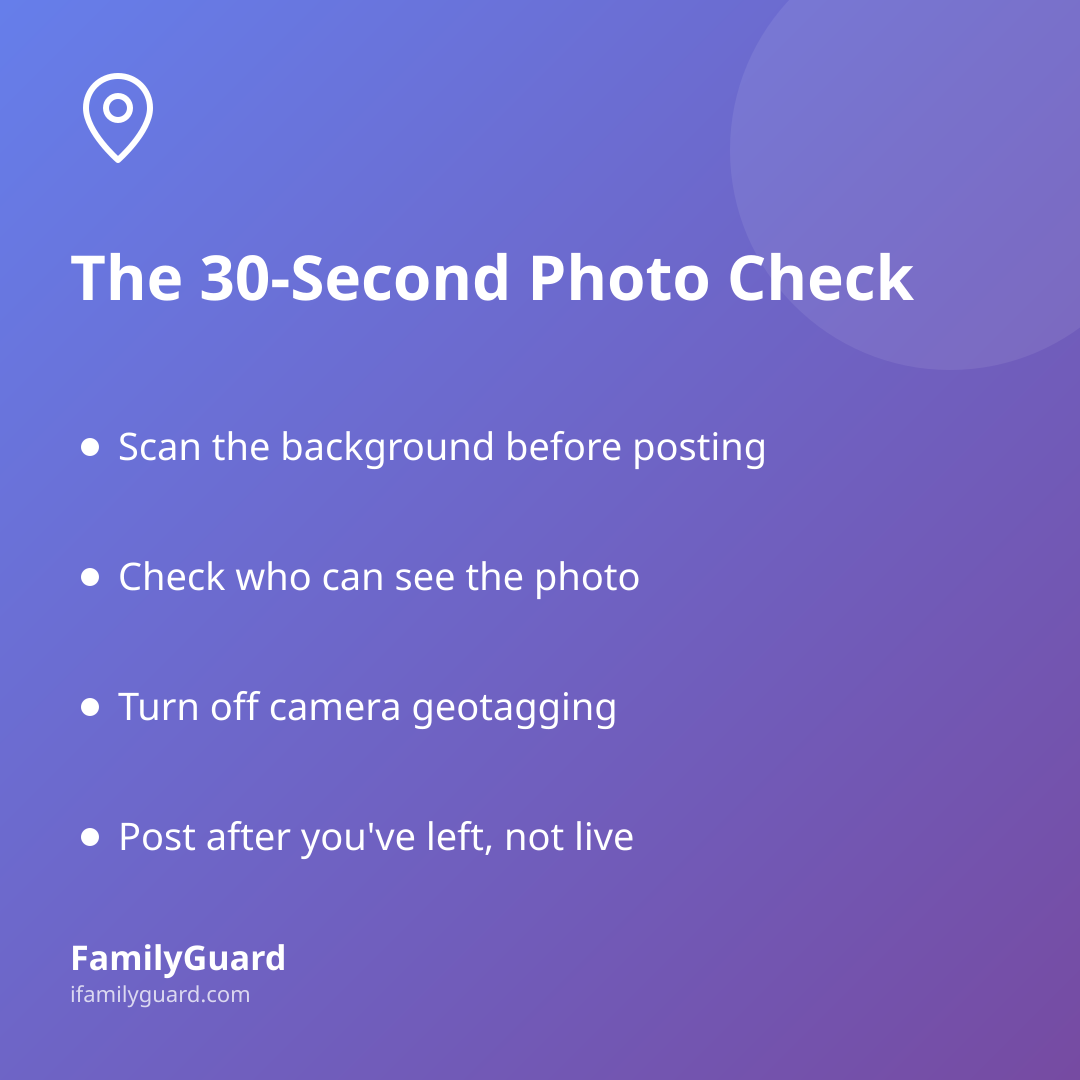
A Simple Family Habit: The 30-Second Check
You don't need to become a privacy expert to handle this well. A short, repeatable habit does most of the work:
- Scan the background before posting — house numbers, street signs, school names, and sports jerseys with a team or town printed on them are the easiest identifiers to miss.
- Check who can see it — a private, followers-only account or a family-only group is a very different audience than a public post.
- Ask if it needs to be live right now — sharing a vacation photo after you're already home removes any "we are here at this exact moment" signal.
- Involve your kids in the decision once they're old enough to have an opinion about their own photo being shared — it builds the same habit for when they're posting on their own.
Turning Off Geotagging on Your Phone and Apps
The most reliable fix happens once, at the settings level, rather than remembering to strip data from every single photo:
- On iPhone: Settings → Privacy & Security → Location Services → Camera, then choose "Never."
- On Android: Settings → Location → App permissions → Camera, then set it to "Don't allow."
- On social apps: Most platforms have a separate toggle for adding location to posts — check the app's own privacy or location settings, since this is often controlled independently of your phone's camera permission.
Turning this off doesn't affect the photo quality or your ability to caption where you are — it just stops the exact coordinates from being quietly attached in the background.
Sharing Memories the Trusted-Circle Way
None of this means location information itself is the enemy — it's about who it's shared with and whether that sharing is intentional. Sharing your real-time location with your own family, with everyone's knowledge and agreement, is a completely different situation from a geotag traveling silently to a public audience. That's the distinction worth teaching kids early: location shared openly and consensually within your family, like through FamilyGuard's location and family chat features, is about staying connected on your own terms — not the same as location data leaking out through a photo nobody meant to broadcast.
For photos you do want to share widely — the ones that go to extended family or appear in a class newsletter — consider a private shared album (Apple Shared Albums and Google Photos shared libraries both work well) instead of a public post. It gets the picture to the people who actually want to see it, without adding it to the wider internet at all.
The Takeaway
Geotags aren't sinister, and understanding them isn't about fear — it's about giving your family a little more control over the story your photos tell. A quick background check, a settings change you only have to make once, and a habit of sharing intentionally rather than automatically will cover almost every situation you'll actually run into. The goal isn't to share less of your family's life — it's to keep sharing it on your own terms.