Somewhere between the restaurant menu, the parking meter, and the flyer taped to a lamppost, QR codes quietly became part of everyday life. Kids scan them without a second thought — to join a class Wi-Fi network, redeem a coupon, or see a friend's playlist. That casual trust is exactly what scammers are counting on. The good news is that spotting a suspicious QR code is a learnable skill, and it's one the whole family can pick up together in a few relaxed conversations.
Why QR Codes Have Become a Family Blind Spot
A QR code is really just a shortcut — a little square that saves you from typing a web address. That convenience is the whole appeal, and also the catch: unlike a written-out link, you can't "read" a QR code before you tap it. You're trusting it blindly until the page loads.
Scammers have noticed. The Federal Trade Commission recently warned that criminals are placing fake QR code stickers over legitimate ones on parking meters and public signage, and sending QR codes through unsolicited text messages and emails that lead to phishing sites designed to steal money or personal information.
The FBI's Internet Crime Complaint Center has flagged a related version of this scheme: unexpected packages arriving with no sender information, containing only a note that invites the recipient to scan a QR code to "find out who sent this" or get return instructions. Scanning it can lead to a fake site asking for banking details or, in some cases, install software that quietly collects data from the phone.
How the Scam Actually Plays Out
It helps to walk through this with kids in concrete terms rather than abstract warnings, since a specific story sticks better than a general rule. A few common versions:
- The parking sticker: a QR code placed over the real one on a meter or sign, leading to a fake payment page that captures card details.
- The mystery package: a box shows up with no return address, containing a note asking the recipient to scan a code to learn who sent it.
- The text or email "alert": a message claiming a delivery failed or an account needs verification, with a QR code instead of a normal link.
- The public flyer: a code on a poster or table tent promising a giveaway or free item.
In each case, the pattern is the same: something unexpected arrives, urgency is added ("scan now" or "verify today"), and the QR code stands in for a link the person never gets to actually see before tapping it.
Teaching the Family a "Pause Before You Scan" Habit
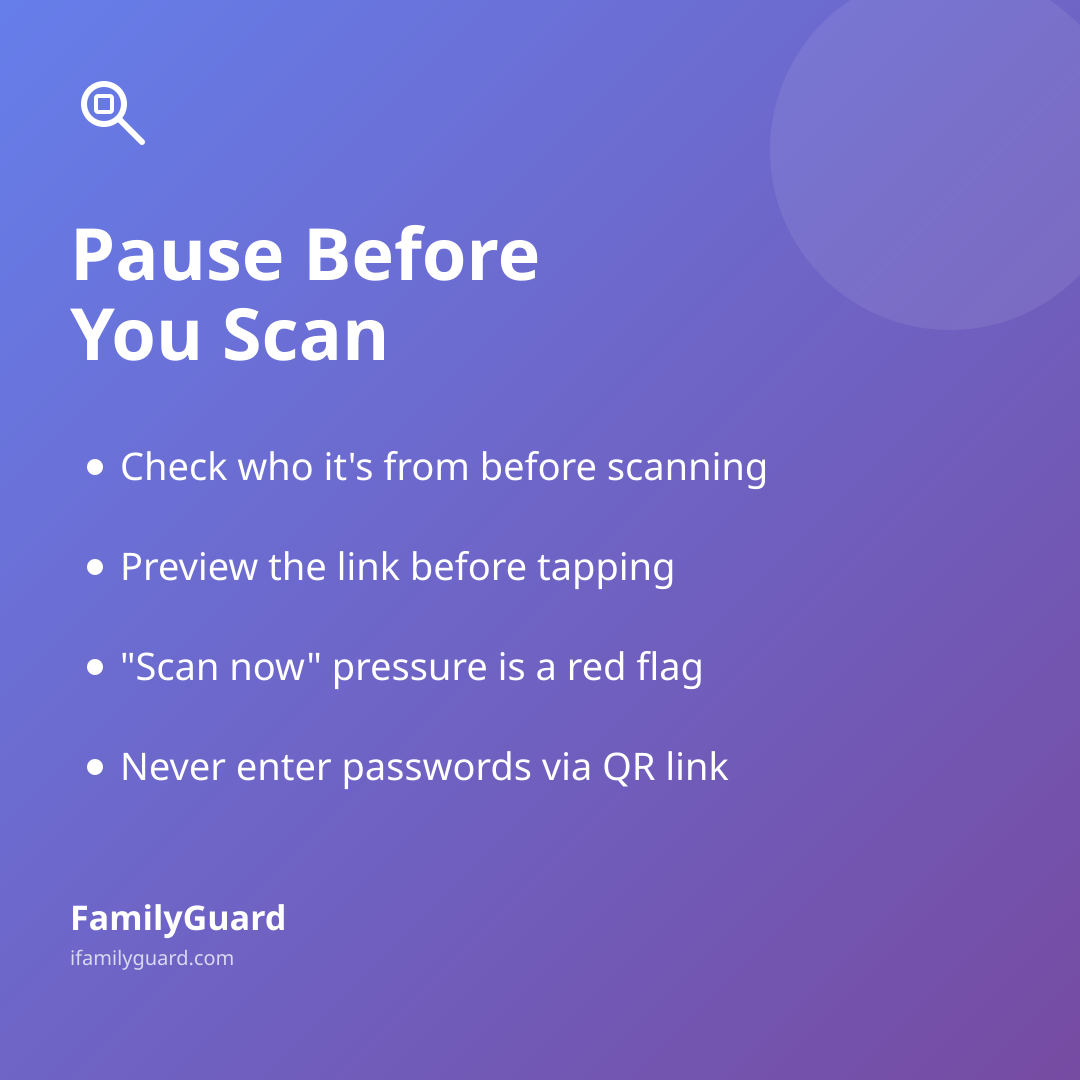
None of this requires kids to become suspicious of every QR code they encounter — most, like the one on a school flyer or a trusted store's menu, are perfectly fine. The goal is a simple habit of noticing context before scanning, the same instinct you'd want them to use before clicking a link in a text message. A few habits worth practicing together:
- Check who it's from. A QR code from a friend, a teacher, or a business you're already standing inside is very different from one on an unmarked sticker or a package you didn't order.
- Look before you leap. Most phones and QR scanner apps show a preview of the web address before opening it — take the extra second to glance at it for misspellings or strange domains.
- Slow down on urgency. "Scan now or your package will be returned" is a pressure tactic, not a real deadline.
- Never enter passwords or card numbers on a page you reached through a QR code unless you're confident about where it came from.
- When in doubt, ask. A quick "does this look right to you?" to a parent takes ten seconds and can save a lot of hassle.
Framing this as a shared skill — something you're learning together rather than a rule imposed on kids — tends to land better. Parents can be honest that they've almost scanned a sketchy code too; it's a normal modern mix-up, not a sign of carelessness.
When a QR Code Is the Trustworthy Choice
It's worth balancing the caution with the reassurance that QR codes aren't inherently risky — context is what matters. A code you generate yourself, or one shared directly by someone you already trust, is a different situation entirely from one found on a random sticker. Setting up a family safety app like FamilyGuard, for example, typically uses a QR code just to pair a child's device with a parent's — something scanned once, between two phones that already know each other, with nothing hidden and nothing shared outside the family. That's a useful contrast to point out: the same technology can be a handy shortcut in the right hands, or a lure in the wrong ones. What matters is who generated the code and why.
Making It a Family Habit, Not a One-Time Lecture
Like most digital safety skills, this one sticks best with repetition rather than a single big talk. Next time a QR code shows up on a receipt, a flyer, or a package, use it as a quick, low-pressure moment: "Where do you think this leads? Would you check it or skip it?" Over time, kids build the same instinct adults are trying to build in themselves — a brief pause before trusting a shortcut, whether it's a link, an attachment, or a little black-and-white square.
That pause is a small thing, but it's the same muscle that protects against most everyday scams: noticing when something is unexpected, urgent, or asking for information it shouldn't need. Practiced calmly and often, it becomes second nature — for kids and parents alike.