
At some point, "can you pick me up?" turns into "can I just get a ride?" For a lot of families, that shift now includes rideshare apps. Uber and Lyft both offer accounts built specifically for teens, which means your child could be requesting their own ride before you've fully had the conversation about what that should look like.
That's not a reason to panic — it's a reason to prepare. Rideshare can be a genuinely useful tool for a busy teen's schedule, as long as the ground rules are clear before the first ride, not after.
Is Your Teen Actually Ready?
Age isn't the best measure here. Both Uber and Lyft allow teen accounts starting at 13, but readiness has more to do with judgment than birthdays. According to AAA Club Alliance (2026), parents should look at whether their teen can follow directions independently, communicate clearly under mild pressure, double-check that they're getting into the correct vehicle, and know how to set a boundary with an adult they don't know.
Warning signs aren't dramatic — they're more subtle, like a teen who freezes up when a plan changes, or one who tends to go along with things to avoid an awkward moment. Those are worth working on before rideshare enters the picture, not during the ride itself.
A Good First Step
Many families treat rideshare as a backup option rather than a default — something used for a specific situation, like a late practice pickup, rather than the everyday way to get around. That gives everyone a chance to see how a few low-stakes rides go before it becomes routine.
What the Apps Already Do for You
Both major platforms have built real safety infrastructure into their teen accounts, and it's worth knowing what's already switched on. Uber's teen accounts, for example, include a few features that can't be turned off, according to Uber's own overview of Uber for Teens (2026):
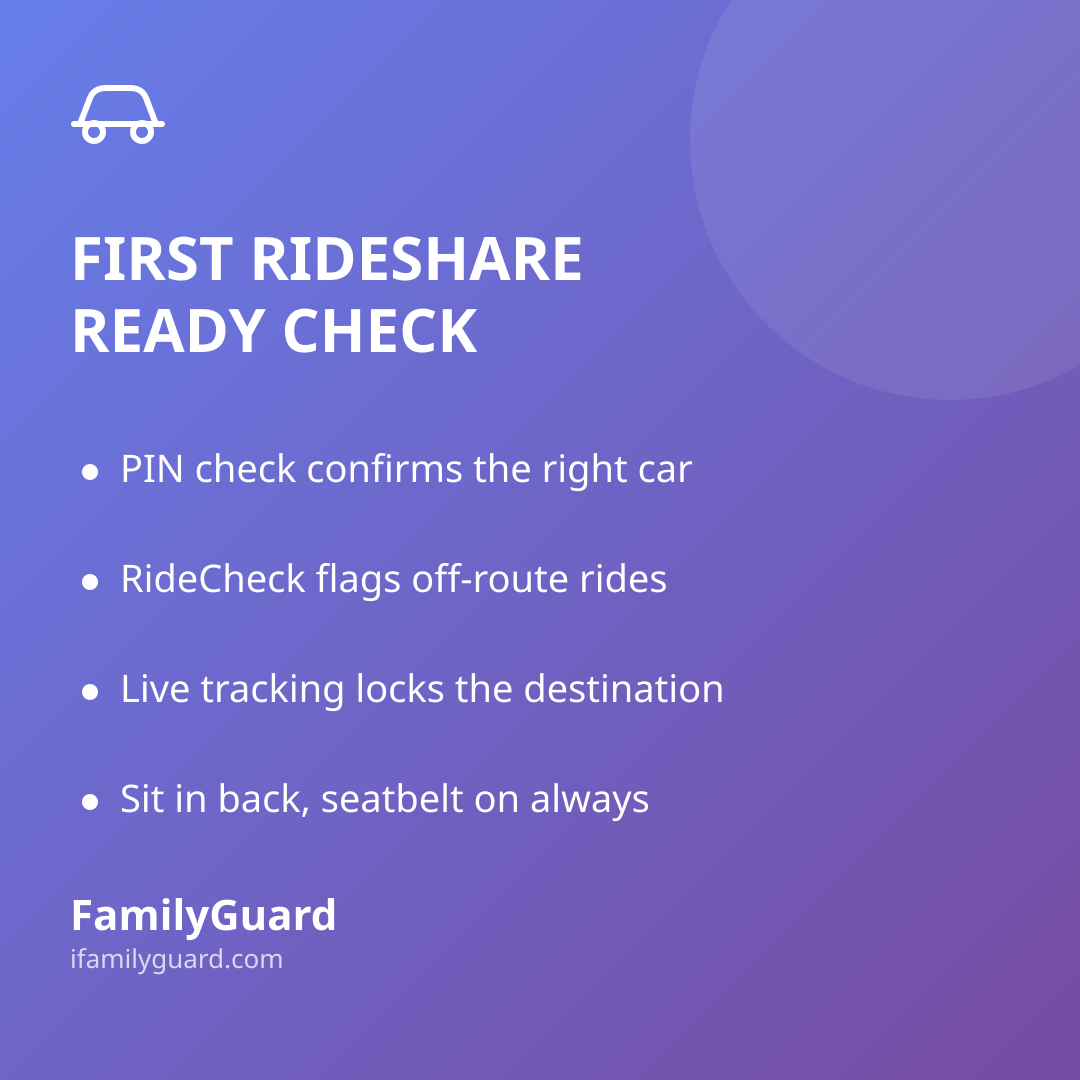
- PIN verification: the driver can't start the trip until your teen reads them a unique code, which helps confirm they're getting into the right car.
- Automatic trip monitoring (RideCheck): if a ride goes noticeably off-route, stops unexpectedly, or ends early, the app flags it and checks in with your teen directly.
- Live trip tracking: parents can follow the ride in real time and get a notification the moment it starts and ends, and the destination is locked so a driver can't reroute the trip.
- Three-way messaging: parents, teens, and the driver can all communicate through the app if needed, without anyone having to share a personal phone number.
Lyft rolled out its own teen accounts nationally in early 2026 with a similar set of protections — PIN verification, live tracking, and automatic alerts for unusual route changes — as described on Lyft's Teen program page (2026).
These features matter, but only if a family actually knows they exist and has set the account up correctly — a teen who's quietly using a parent's regular account, without any of this, isn't getting any of the built-in protection.
Ground Rules Worth Setting Together
Before the first solo ride, it helps to walk through the basics together, out loud, so they're second nature rather than a lecture recalled under stress:
- Always match the license plate, car make/model, and driver photo to what the app shows — in that order, before opening the door.
- Confirm the driver knows the rider's name first, rather than announcing it yourself ("Who are you here for?" instead of "Are you here for Maya?").
- Sit in the back seat, and keep the seatbelt on the whole ride.
- It's completely fine to end a ride early or ask the driver to pull over if something feels wrong — no explanation required.
- Share the trip status with a parent as soon as the ride is booked, not just after arrival.
That last point about ending a ride early is one that comes up often in family safety guidance: teens should know in advance that leaving a car, changing plans, or asking for help is never something they need to feel embarrassed about. Politeness matters far less than safety in that moment, and hearing that clearly from a parent ahead of time makes it easier to act on later.
Staying Connected Beyond the App
Rideshare tracking is useful, but it only covers the ride itself — not the walk to the pickup spot, the wait outside a venue, or what happens after drop-off. Many families layer in their own way of staying connected for the whole outing, not just the car portion of it. In our house, that's meant using FamilyGuard alongside the rideshare app's own tracking — a quick glance at a shared, consent-based location shows that a teen has actually arrived at the right address, without needing a phone call to confirm it.
A simple check-in habit works just as well without any extra tools: a text when the ride is booked, another when it starts, and one at drop-off. The goal isn't to monitor every minute — it's to make checking in feel like a normal part of getting around, the same way you'd want to know a friend landed safely after a flight.
If Something Feels Off
Talk through this scenario before it ever happens, not during it. If a teen feels uneasy about a driver, a route, or anything about the ride, the plan should be simple and rehearsed:
- Ask the driver to stop in a safe, public, well-lit location.
- Get out and move toward people — a store, a gas station, a group of strangers is safer than an empty street.
- Call or message a parent right away, and use the in-app safety or emergency button if the app has one.
Practicing this out loud, even once, makes it far more likely a teen will actually follow the plan under real pressure instead of freezing.
The Bottom Line
Rideshare apps aren't inherently risky or inherently safe — they're a tool, and like any new freedom, they work best when a teen understands both how to use them and why the safeguards exist. A short conversation before the first ride, a quick walkthrough of the app's safety features, and a simple check-in habit go a long way toward making that first solo trip feel like a step forward for everyone, not a source of worry.